Home › Getting started
Welcome to Streambox24
What the server does and where everything is
Streambox24 is a complete streaming server you control from your browser. One panel runs live channels, 24x7 playlists, recordings, restreaming, an OTT platform with subscriptions and apps, video conferencing, websites and a radio station.
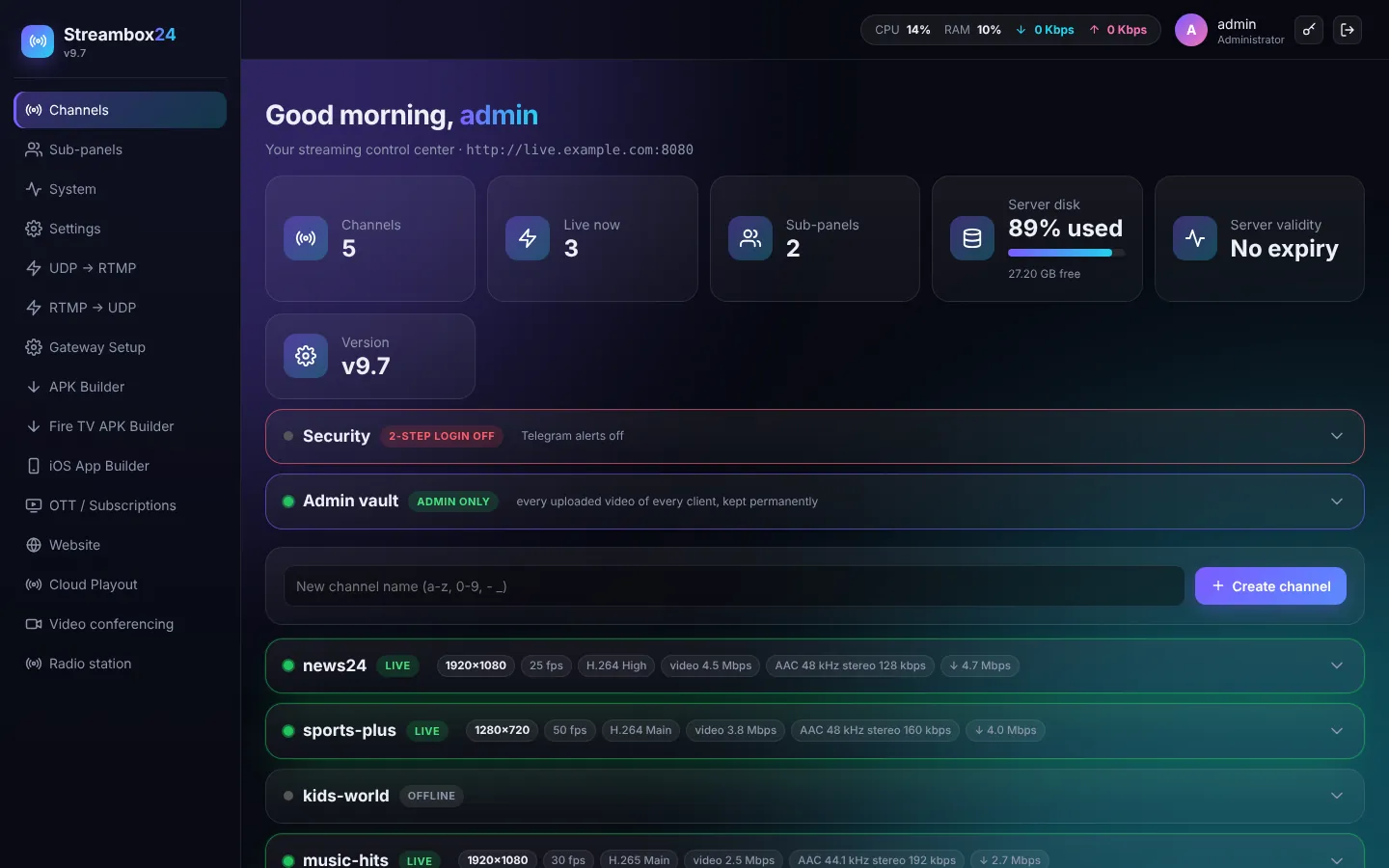
What you can do
- Live channels: receive a stream from OBS, vMix, a hardware encoder, a phone or an IP camera, and give viewers an HLS link, an embed player and a low-latency player.
- 24x7 TV: upload videos, build a playlist and keep a channel on air day and night, with a schedule and automatic fallback.
- Restream: send any channel to YouTube, Facebook, Twitch or any RTMP / SRT server at the same time.
- Branding: logos, scrolling ticker, clock, news graphics and ad markers (SCTE-35).
- Sub-panels: sell channels to your own clients; each client gets a separate login with only the features you allow.
- OTT platform: your own streaming service (website + Android, Android TV, Fire TV and iPhone apps) with plans and online payments.
- Video conferencing: meetings and webinars with your brand, whiteboard, polls, breakout rooms, captions and AI summary.
- Website and radio: host simple websites and run an internet radio station.
Where to start
- Sign in and look around
- Create your first channel and go live
- Add your domain with free SSL so everything runs on https
- Create sub-panels for your clients
TipEvery page of the panel explains itself in small grey text. This knowledge base adds the steps and the "why".