Home › Video conferencing
Whiteboard, drawing on a shared screen and files
Work together in the meeting
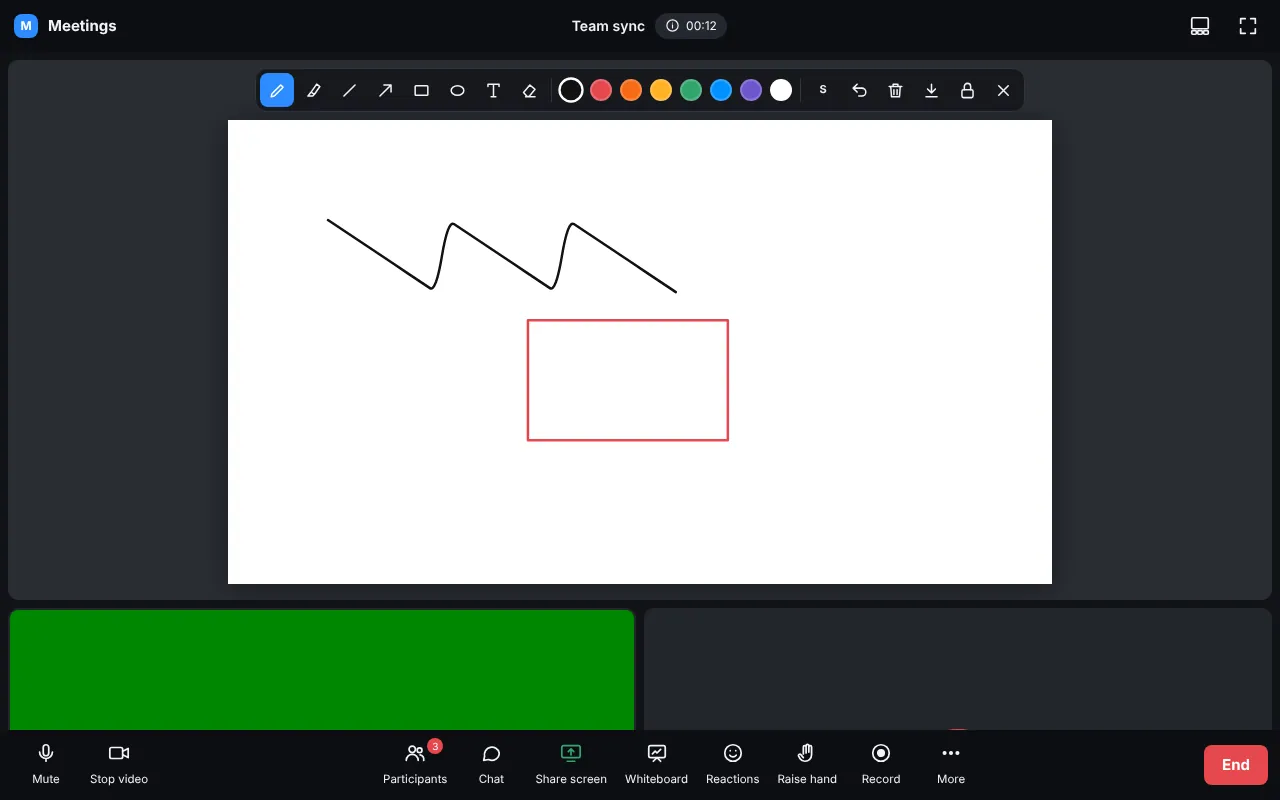
- Whiteboard opens a board for everybody. Everyone can draw unless the host locks it (lock button).
- Draw on the shared screen (More menu) puts the same tools over a screen share.
- Download saves the board as a picture.
- Files: in Chat press the paperclip, drop a file or paste an image (up to 200 MB). Files are deleted when the meeting ends.