Home › Video conferencing
Live captions, transcript and AI summary
Read what is said, save it, summarise it
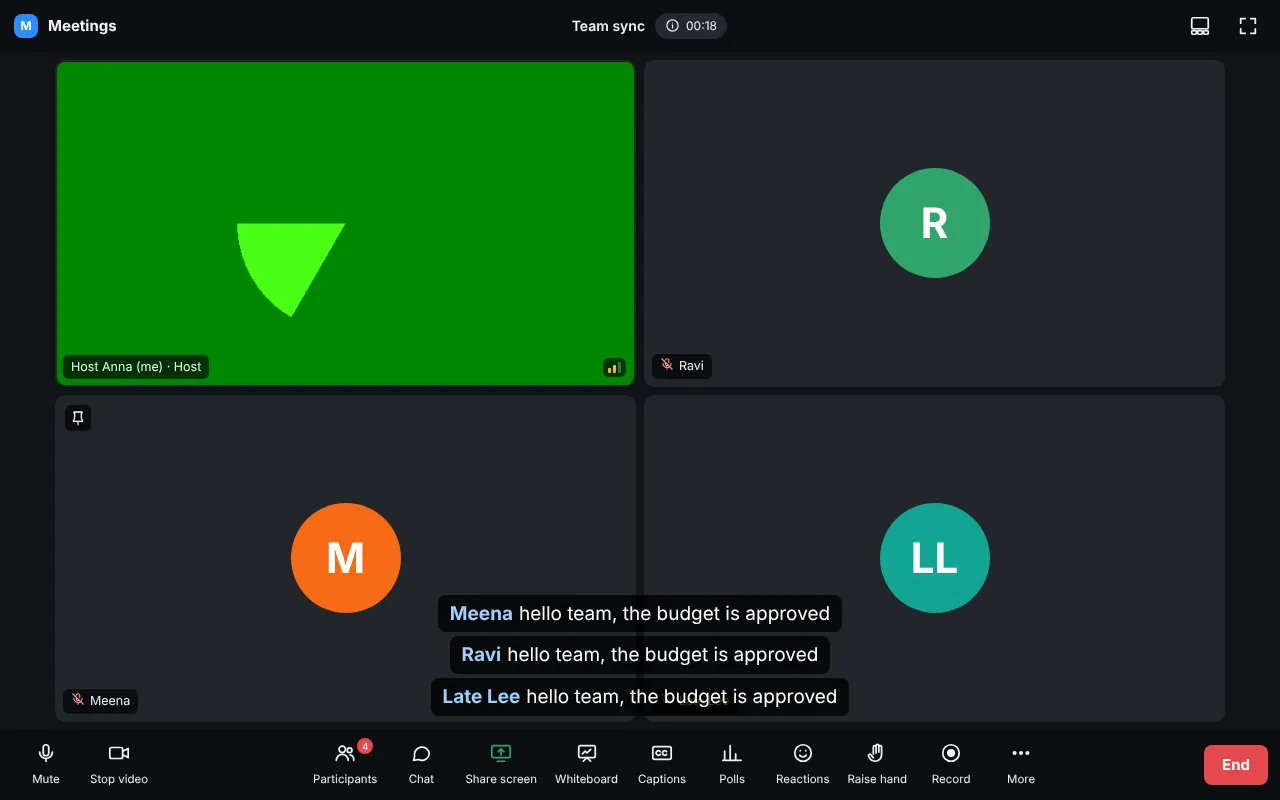
- The host presses Captions > Turn on for everybody.
- Each person chooses the language they speak (35 languages, including Tamil, Hindi, Telugu, Malayalam, Kannada and Arabic).
- Transcript shows every line with time and name; Download saves it.
AI summary (host)
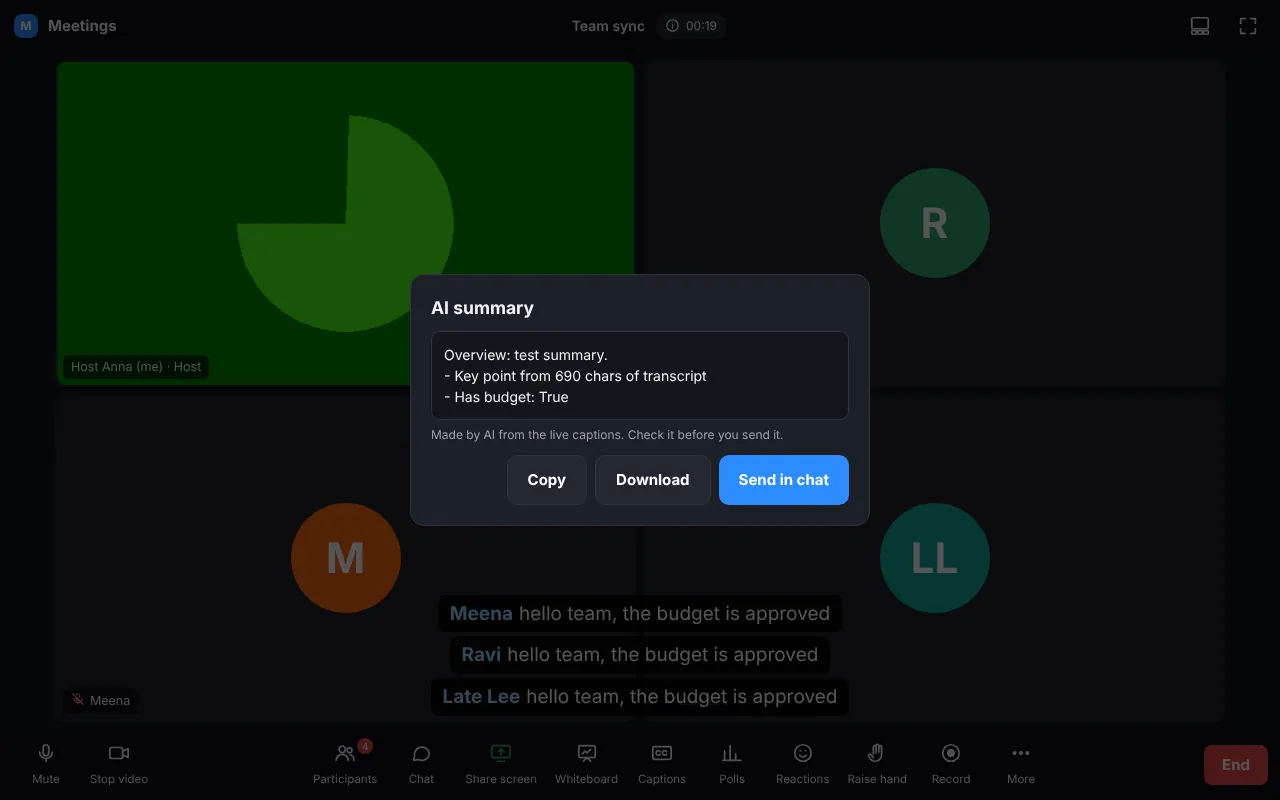
Press AI summary. Copy it, download it, or send it in the chat. Set up the AI first in Video conferencing > Settings: the free AI on your server (update.sh FEATURE_AI_LOCAL=on) or a key for Claude, OpenAI or Gemini.
TipCaptions work in Chrome, Edge and Safari. On phones, captioning your own voice is off by default (it can stop the microphone on some phones); you still see everybody else's captions.