Home › Video conferencing
In the meeting: controls and quality
Mute, video, share, chat, reactions, quality and front / back camera
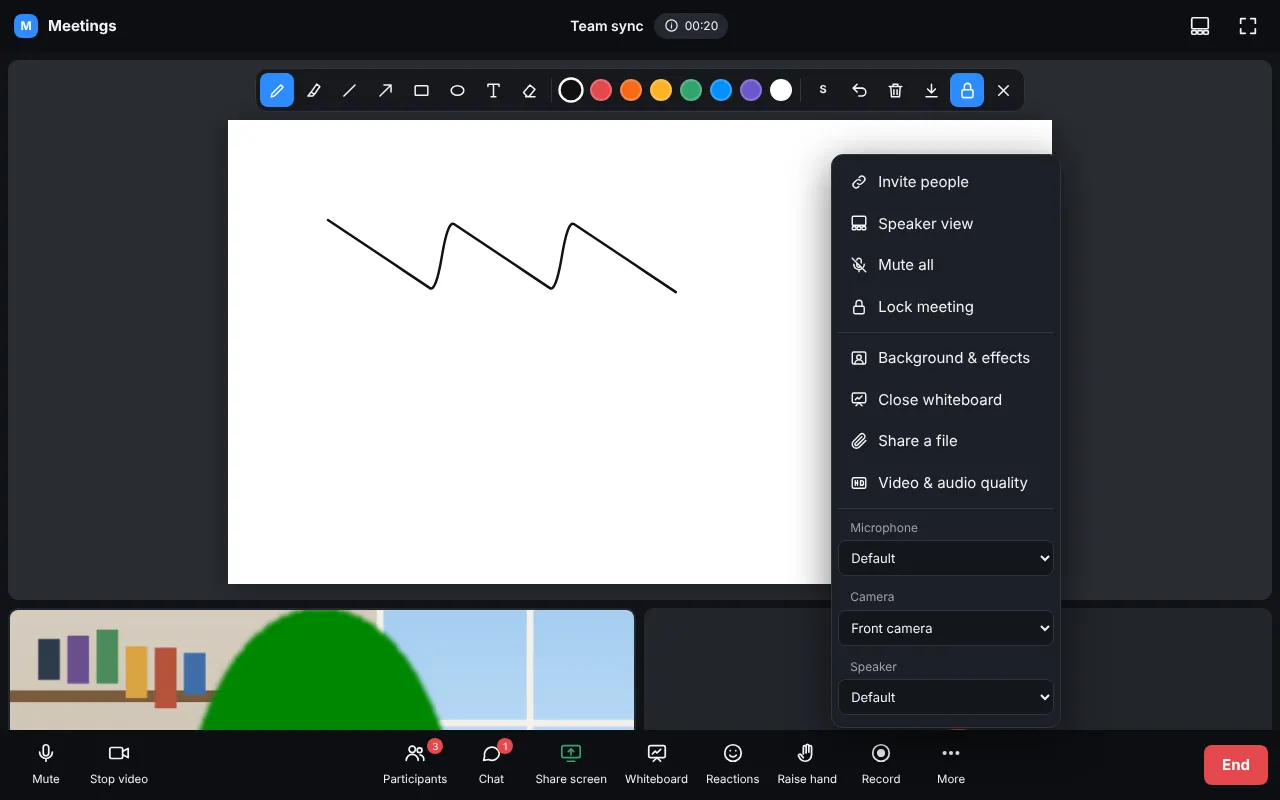
- Mute / Stop video, Participants, Chat (with files), Share screen, Whiteboard, Captions, Polls, Reactions, Raise hand, Record (host).
- More: background & effects, breakout rooms, AI summary, video & audio quality, devices.
- The host can mute people, ask them to unmute, remove them, lock the meeting and end it for everybody.
- Signal bars on every picture show the person's connection.
Video & audio quality
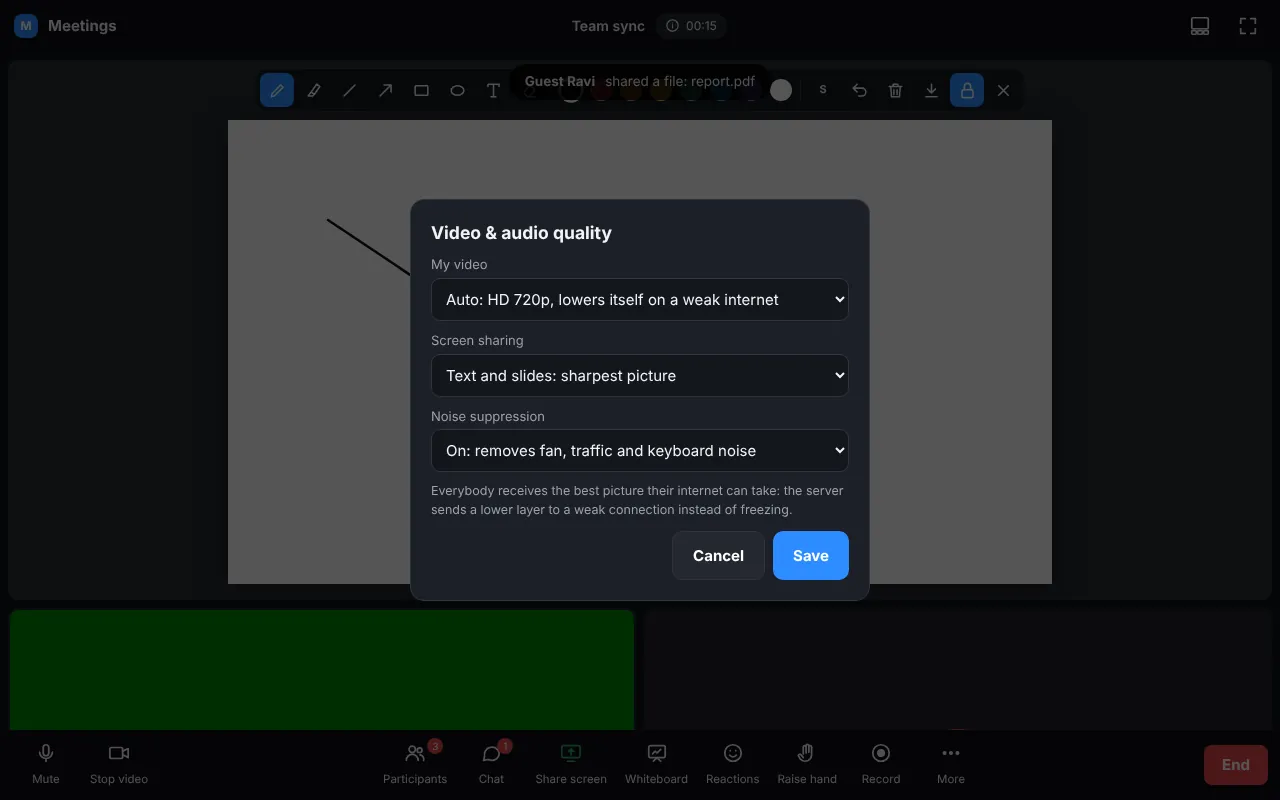
Auto (HD 720p that lowers itself on weak internet), Full HD 1080p, HD 720p or Data saver; screen sharing for text (sharpest) or video (smooth); noise suppression on, or off for music.
Phones: front / back camera