Home › Video conferencing
Start, schedule and join a meeting
Meetings with your brand, for you and your clients
Open Video conferencing in the panel.
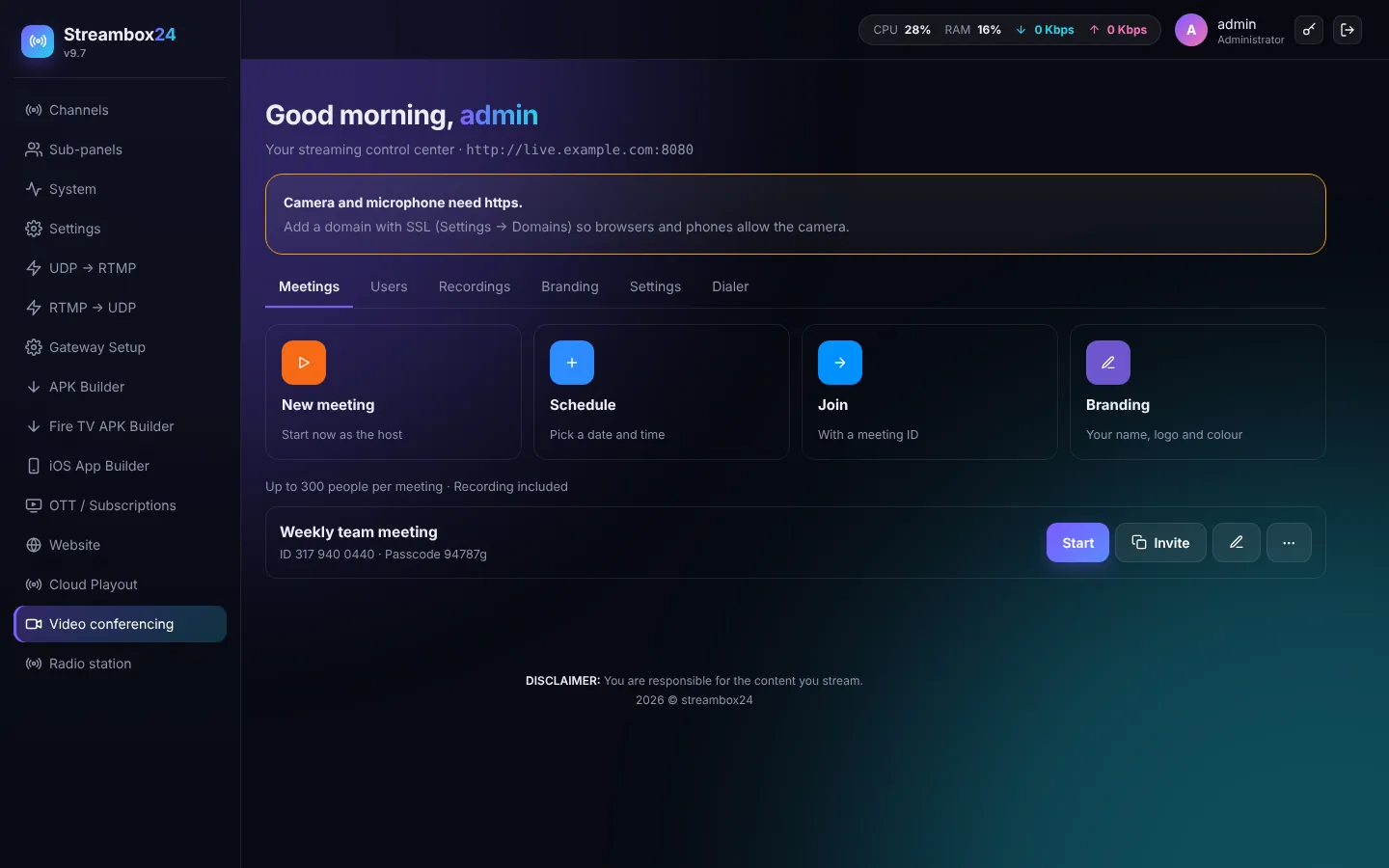
- New meeting: starts at once with you as the host.
- Schedule: title, date, time, duration, passcode, waiting room, "only host shares", webinar mode.
- Invite: copies the invitation text (link, meeting ID and passcode) and a calendar file.
- Start: opens the meeting as the host.
Joining
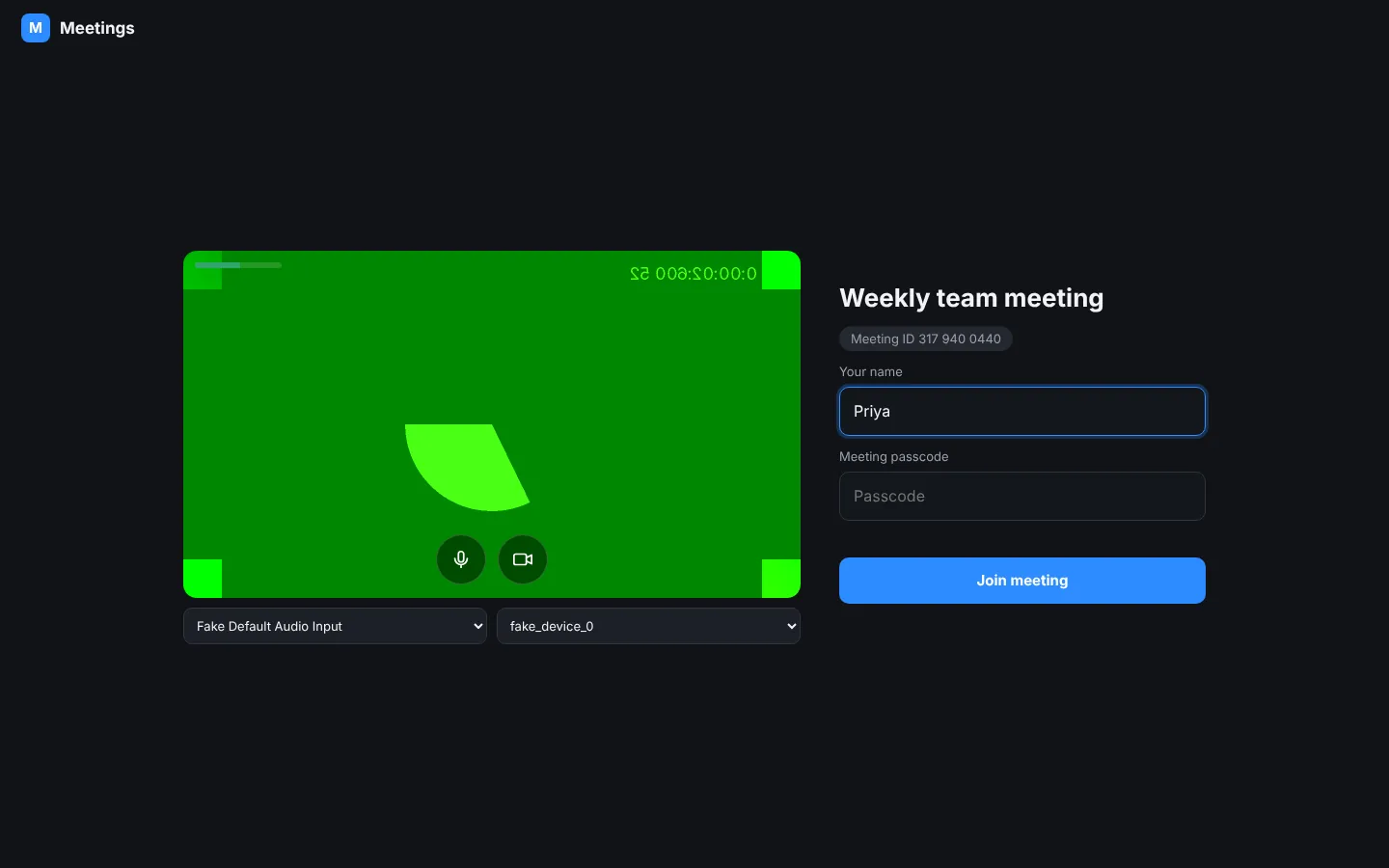
People open the link, type their name, check camera and microphone, and press Join meeting. Or they open /j and type the meeting ID.
TipCamera and microphone need https: add your domain in Settings > Domain & free SSL.