Home › Getting started
Signing in and the dashboard
The login page, the main screen and the top bar
Sign in
Open your panel address in a browser (for example https://live.your-domain.com/) and enter the username and password you received.
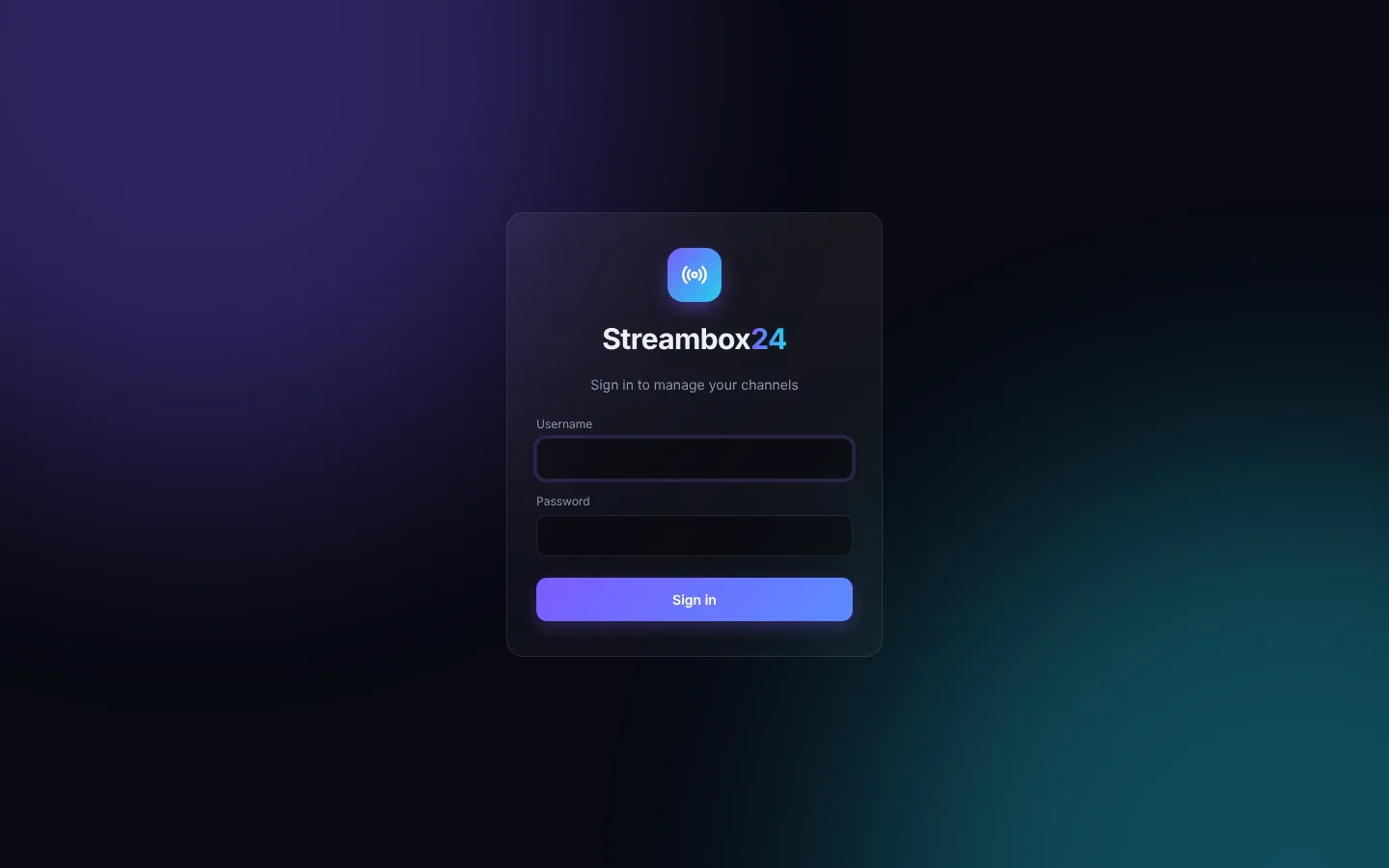
TipIf two-step login is on, the panel then asks for the 6-digit code from Google Authenticator.
The dashboard
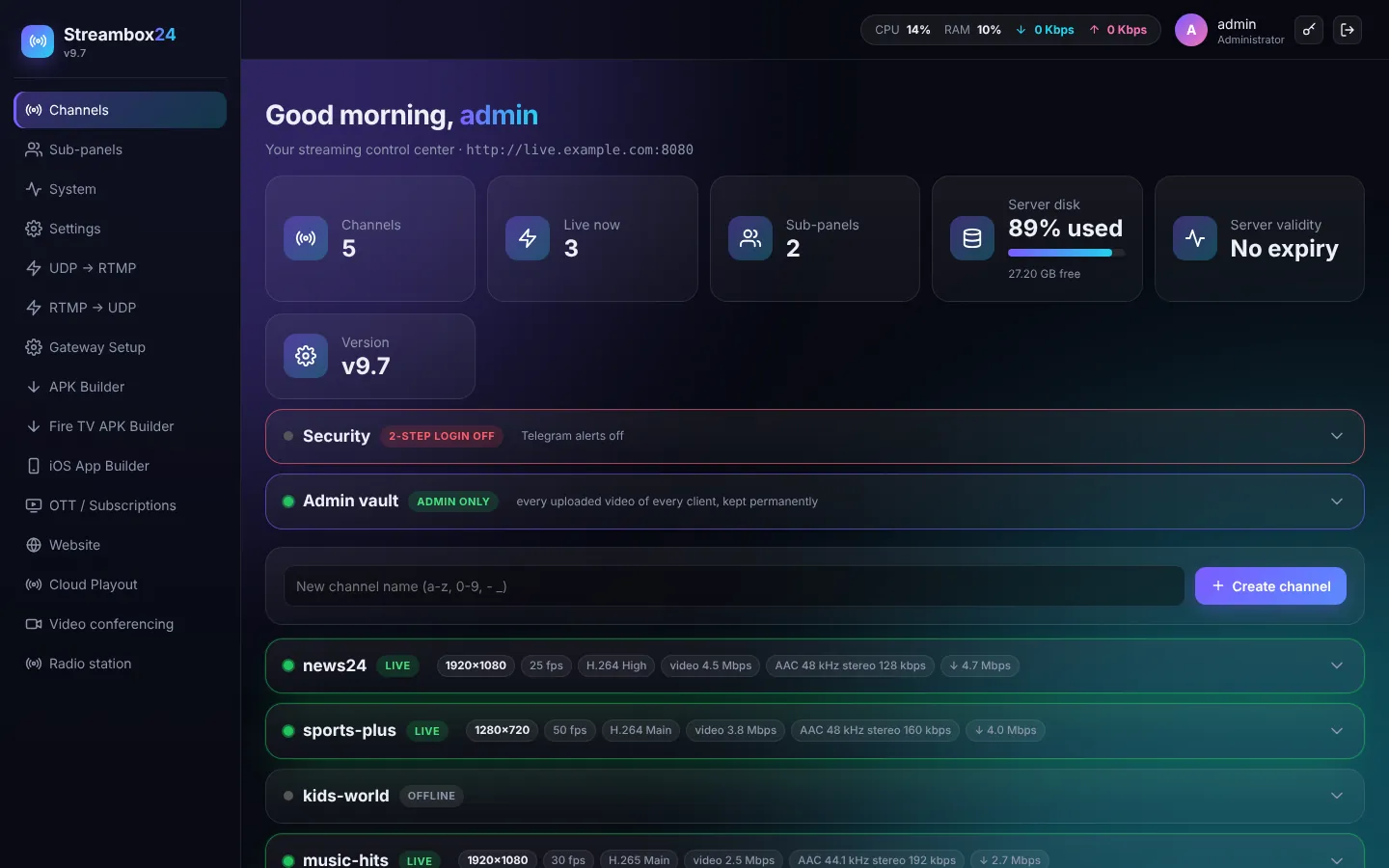
- Top bar: live CPU and RAM use, incoming and outgoing bandwidth, your account, the key button (two-step login, password) and Sign out.
- Cards: number of channels, how many are live now, sub-panels, free disk space and server validity.
- Security: two-step login and Telegram alerts (see Security).
- Admin vault: every video your clients uploaded is kept here for you, even if a client deletes it.
- Create channel: type a name and press Create channel.
- Channel list: each channel shows LIVE or OFFLINE and, when live, the stream details. Click a channel to open its tabs.
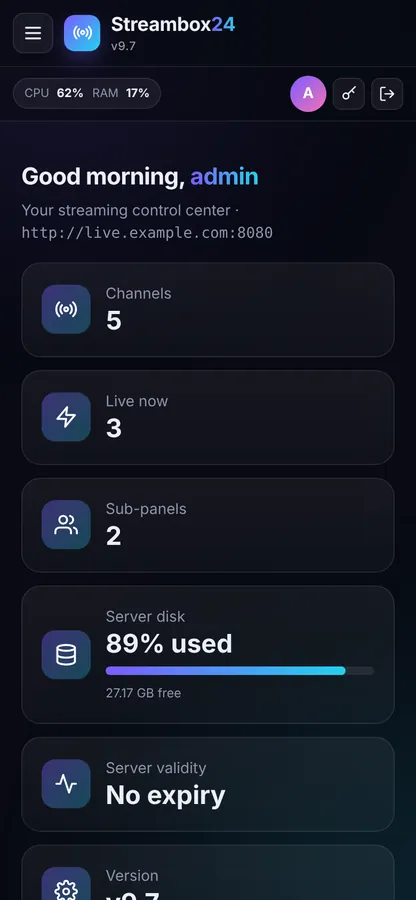
On a phone
The panel works on phones and tablets too. The menu opens from the top-left button.