Home › Channels
Restream to YouTube, Facebook and more
Send one channel to many platforms at once
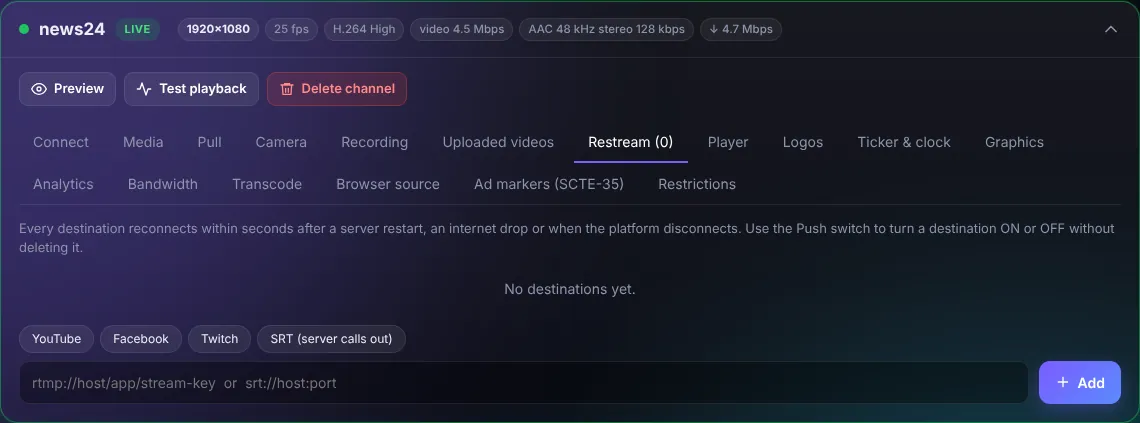
- Press YouTube, Facebook, Twitch or SRT, or paste any
rtmp://host/app/stream-keyaddress. - Paste the stream key from the platform (YouTube Studio > Go live > Stream key; Facebook Live Producer > Streaming software).
- Press Add.
Every destination reconnects within seconds after a server restart, an internet drop or when the platform disconnects. Use the Push switch to turn a destination on or off without deleting it.
TipRestreaming copies the video (no re-encode), so ten destinations cost almost no CPU, only upload bandwidth.