Home › OTT platform
Reports and the watch report (Excel)
Plays, hours, devices, countries and revenue
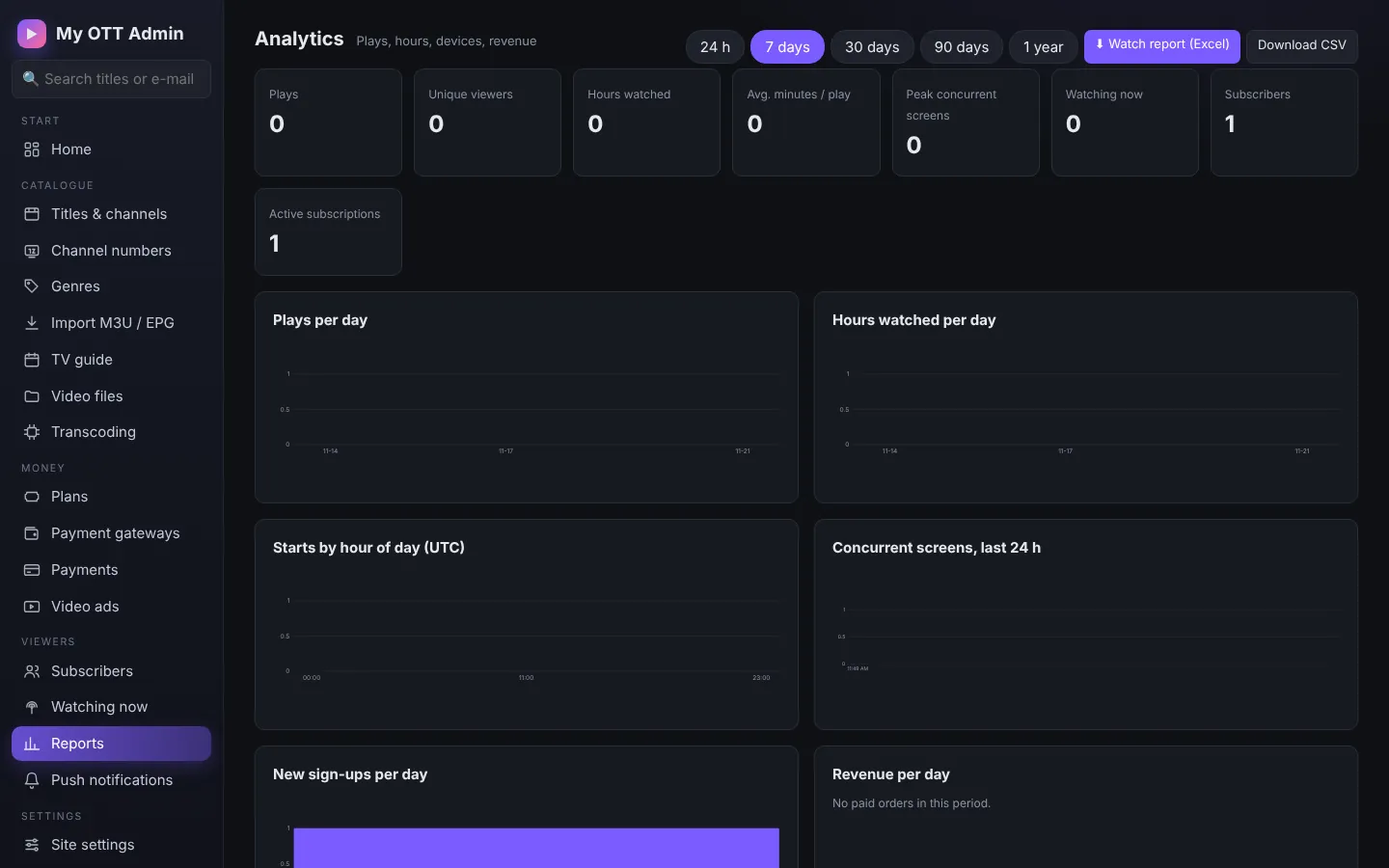
Choose a period (24 h, 7 / 30 / 90 days, 1 year) to see plays, unique viewers, hours watched, average per user, concurrent screens, sign-ups and revenue.
Watch report (Excel)
Press Watch report (Excel) to download every view: who watched (viewer and profile), what (title, episode), when, how long, % completed, platform (website, Android app, Android TV, Fire TV, iPhone), device, OS, browser, country, state, city, ISP and IP. Extra sheets summarise by title, country, city, platform, device, day and hour, plus top viewers.
TipPlace data comes from the viewer's IP address, so it is approximate.