Home › Website, radio & help
Radio station
Run an internet radio station
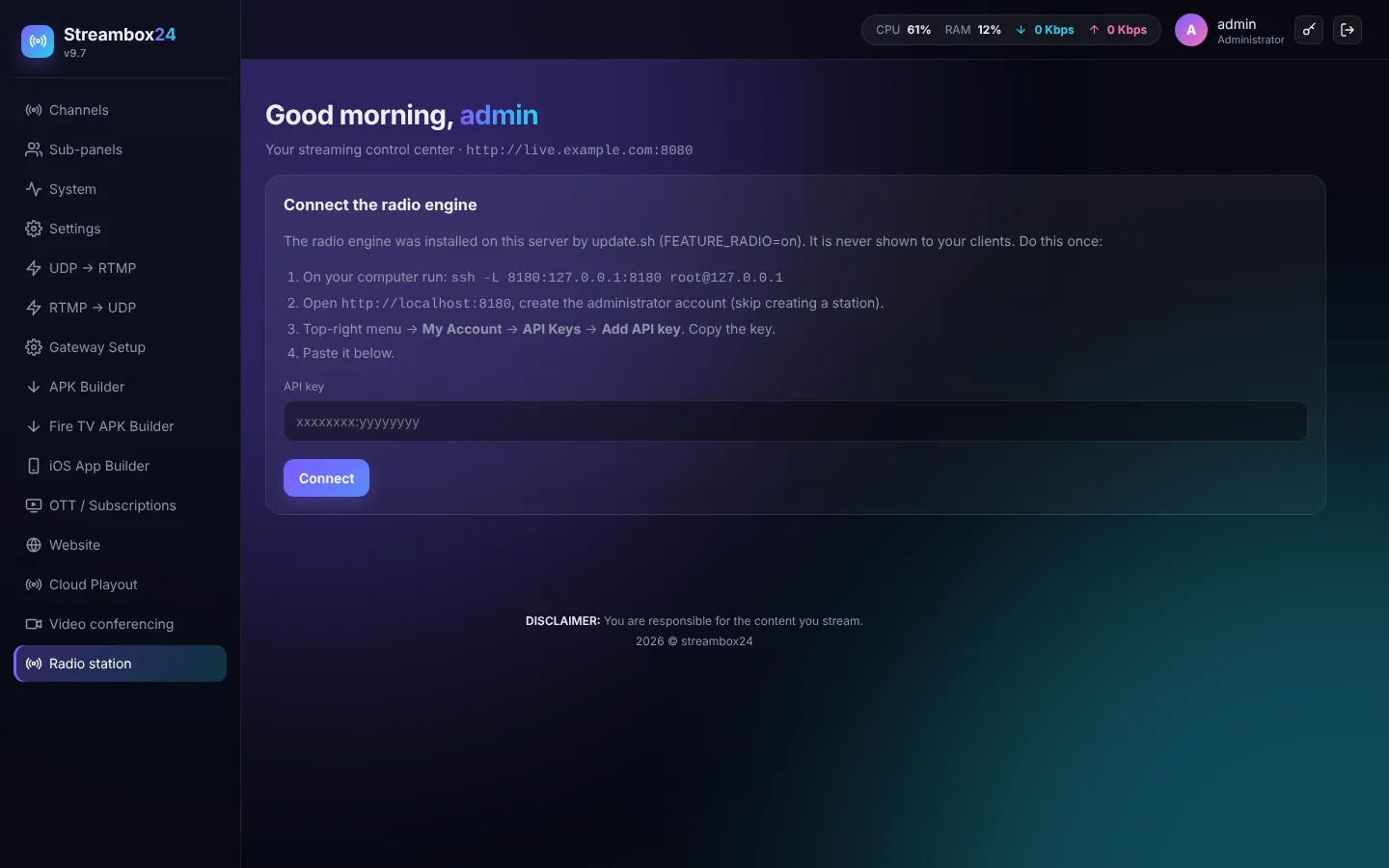
The radio engine is installed on the same server by update.sh (FEATURE_RADIO=on) and hidden from your clients: they manage stations in the panel, and listeners use your branded player. Connect it once:
- On your computer run the SSH command shown on the page, then open
http://localhost:8180. - Create the administrator account (skip creating a station).
- Top-right menu > My Account > API Keys > Add API key. Copy the key, paste it in the panel and press Connect.
Then create stations for yourself or your clients: music library, playlists, auto DJ, live DJ logins (ports 8000-8999), now playing and history, a player page, an embed code and stream links for apps and smart speakers. Stations use the same brand (name, logo, colour, domain) the client set in Video conferencing > Branding.