Home › OTT platform
OTT admin: first steps
Open the OTT admin and follow the setup steps
Open OTT / Subscriptions in the panel menu (or https://your-domain/ottadmin).
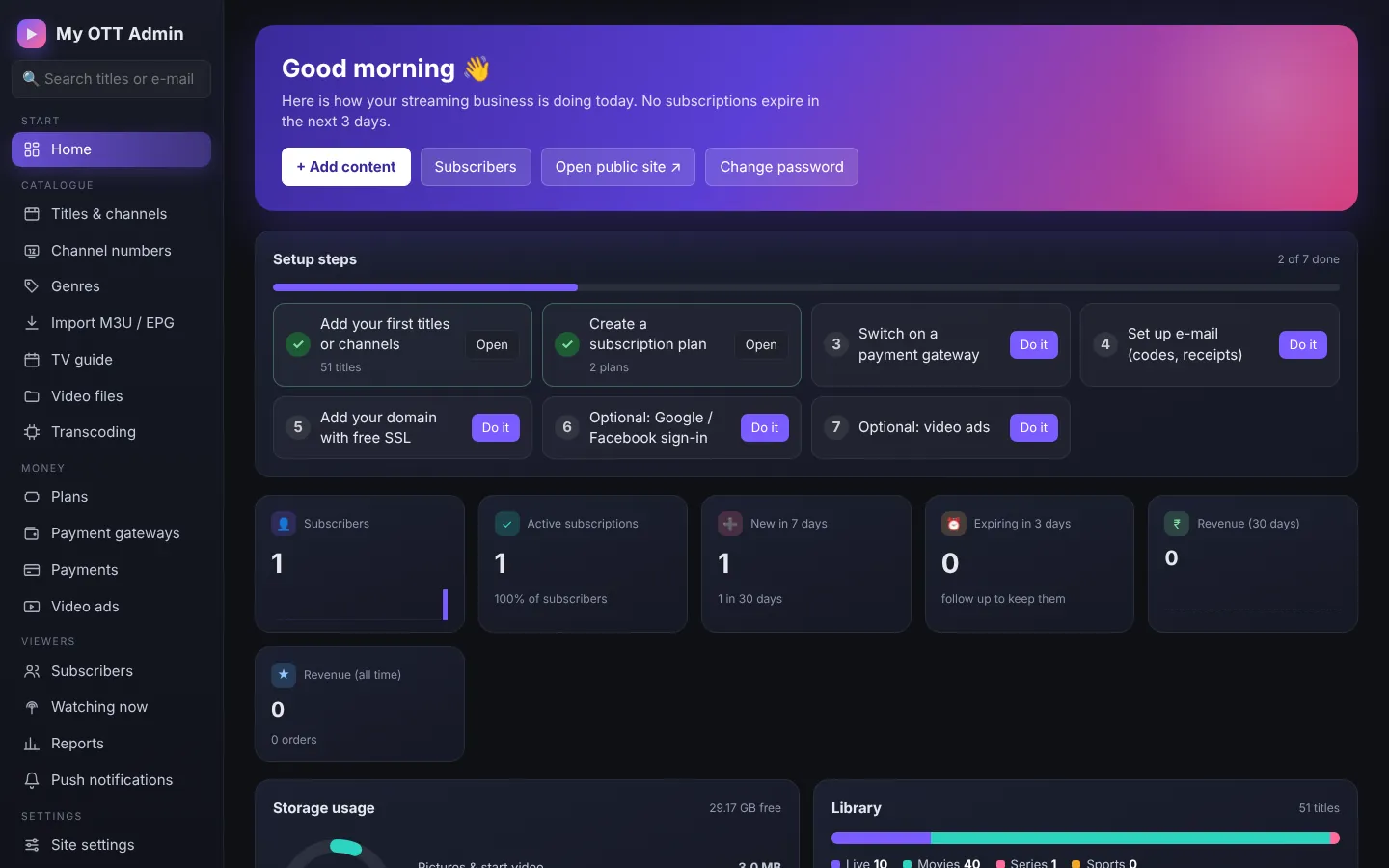
The home page lists the setup steps with a button for each:
- Add your first titles or channels
- Create a subscription plan
- Switch on a payment gateway
- Set up e-mail for codes and receipts
- Add your domain with SSL
- Optional: Google / Facebook sign-in, video ads
The cards show subscribers, active subscriptions, new sign-ups, plans expiring soon and revenue.