Home › Video conferencing
Meeting users, recordings, branding and settings
Manage video conferencing
- Users: staff accounts that host meetings and sign in at
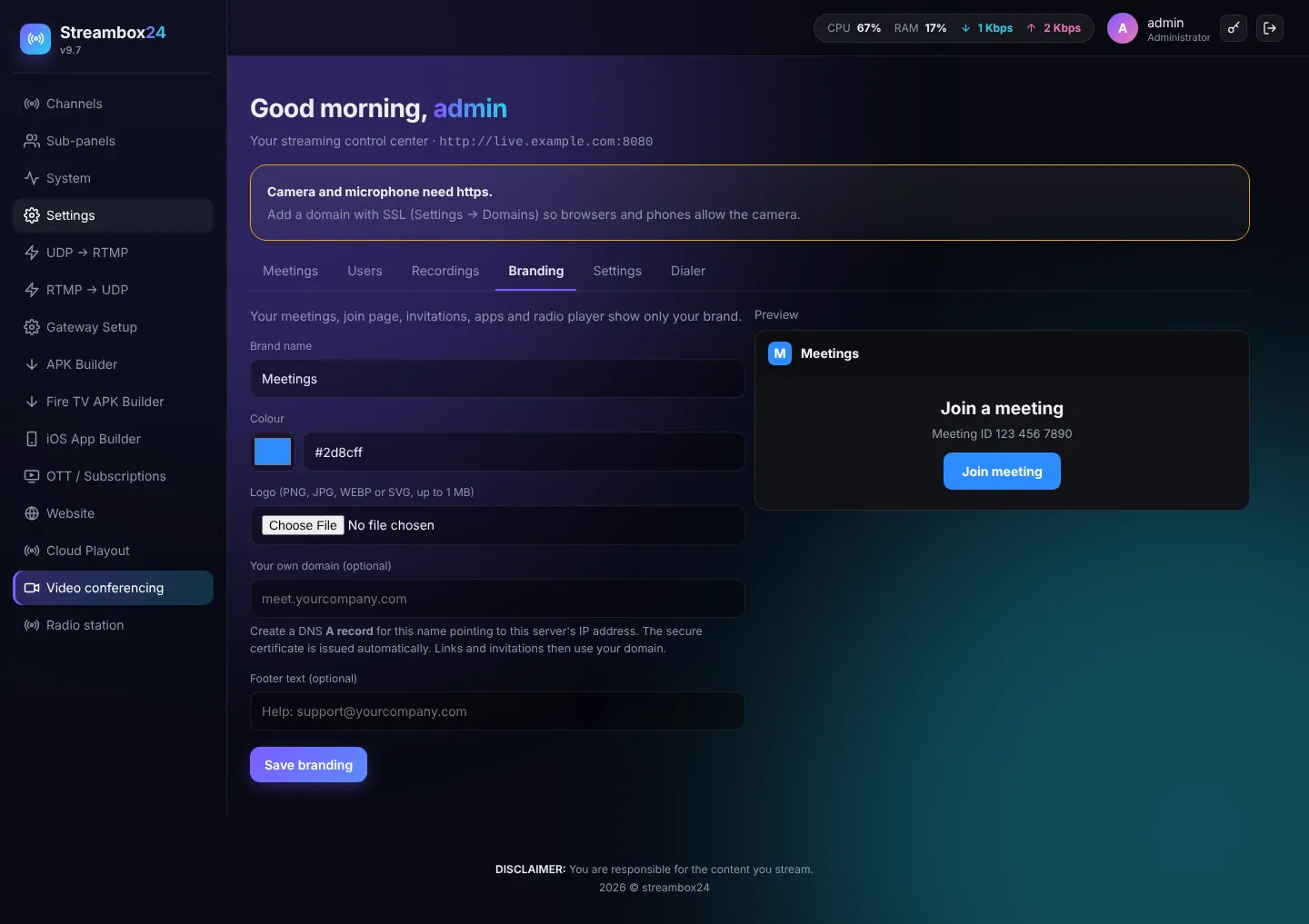
/meetwith your brand. - Recordings: MP4 recordings of meetings to play or download.
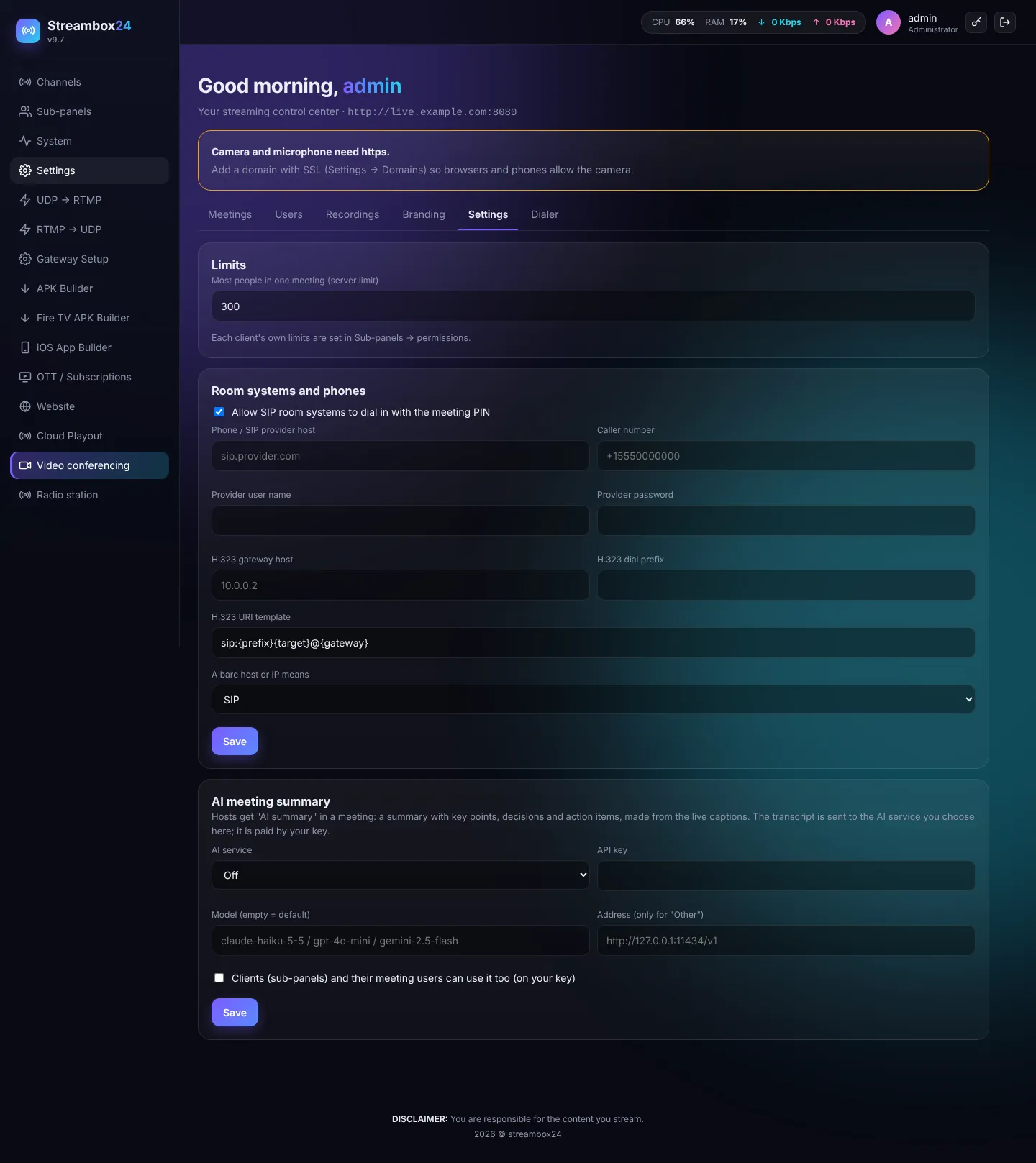
- Settings (admin): most people per meeting, SIP / H.323 room systems and phones, and the AI meeting summary service.
- Dialer: video calls to Windows PCs (for example a control room). Install the app on the PC with Add a PC; when you press Video call the PC rings and they press Accept. No public IP is needed on the PC.