Home › OTT platform
Titles, channels, genres and TV guide
Fill your OTT with movies, series, sports and live TV
Titles & channels
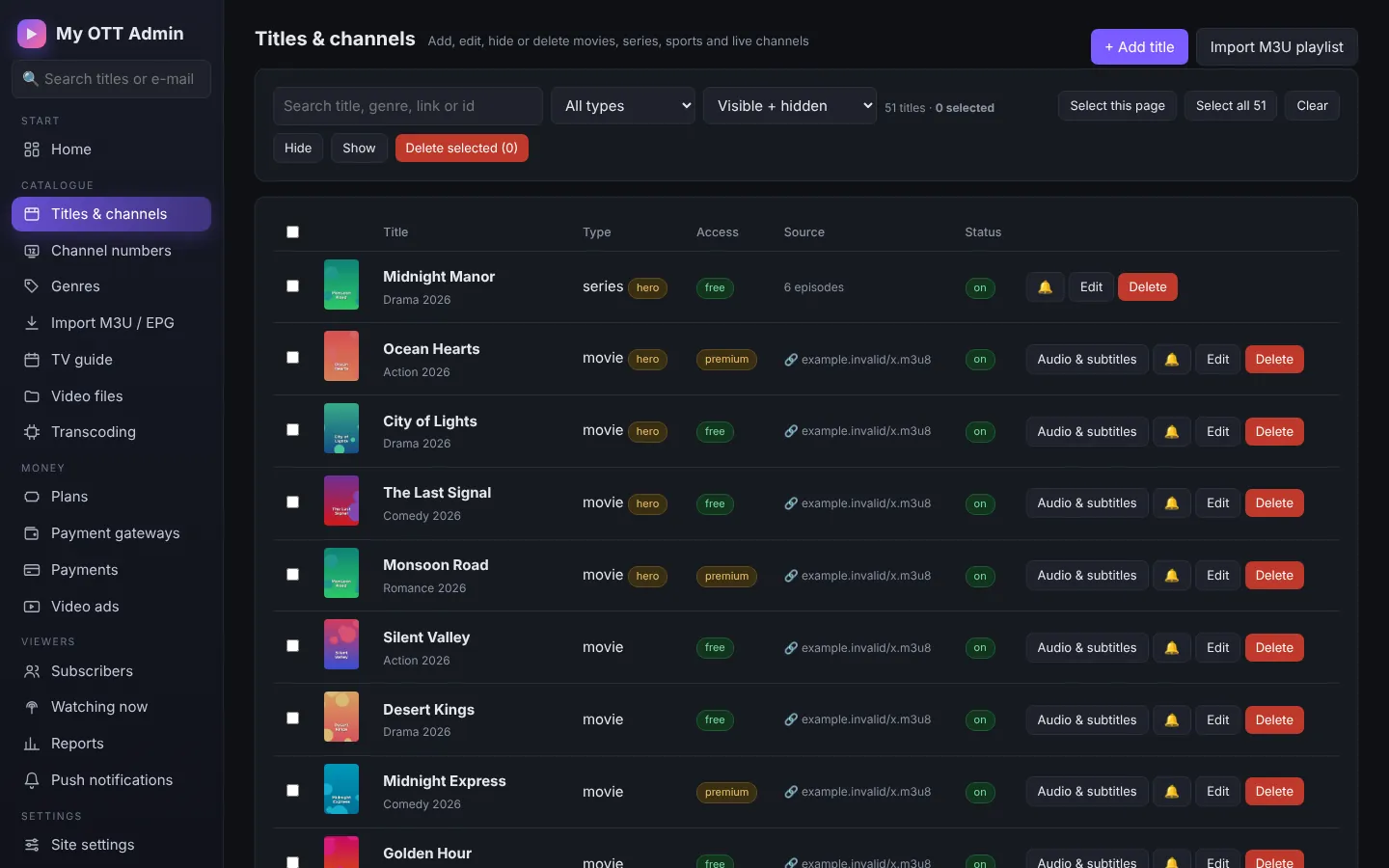
+ Add title: choose Movie, Series, Sports or Live channel; add the name, description, poster, banner, genre, year, language and rating, and the source:
- a video from the protected Video library,
- a channel of your streaming panel,
- an HLS / MP4 link,
- a YouTube or Vimeo link (details are filled in automatically).
Set access: Free or Premium (only for subscribers). Series get seasons and episodes, each with its own video and "credits at" time.
Genres (home page rows)
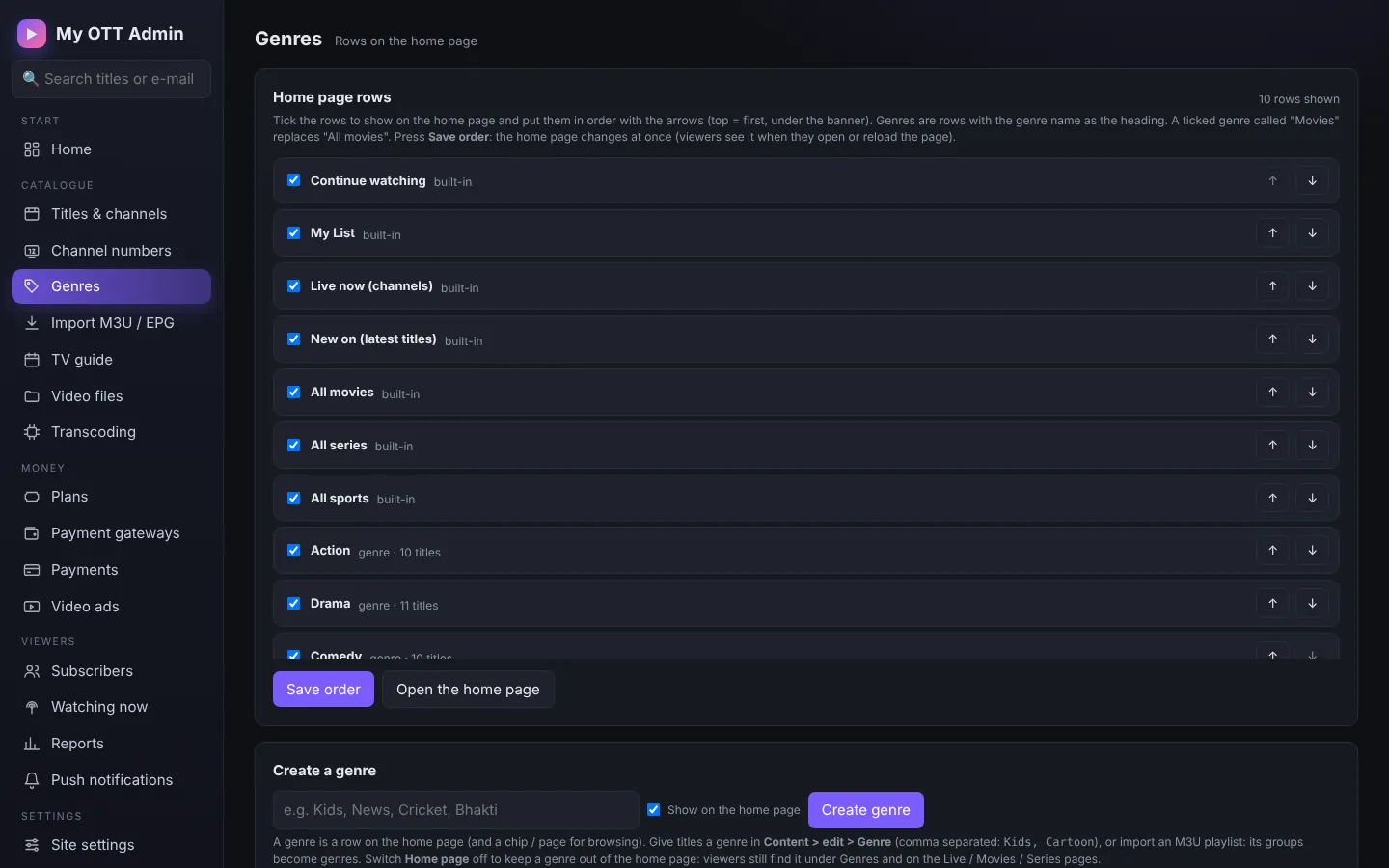
Choose which rows appear on the home page and in what order.
Import M3U / EPG
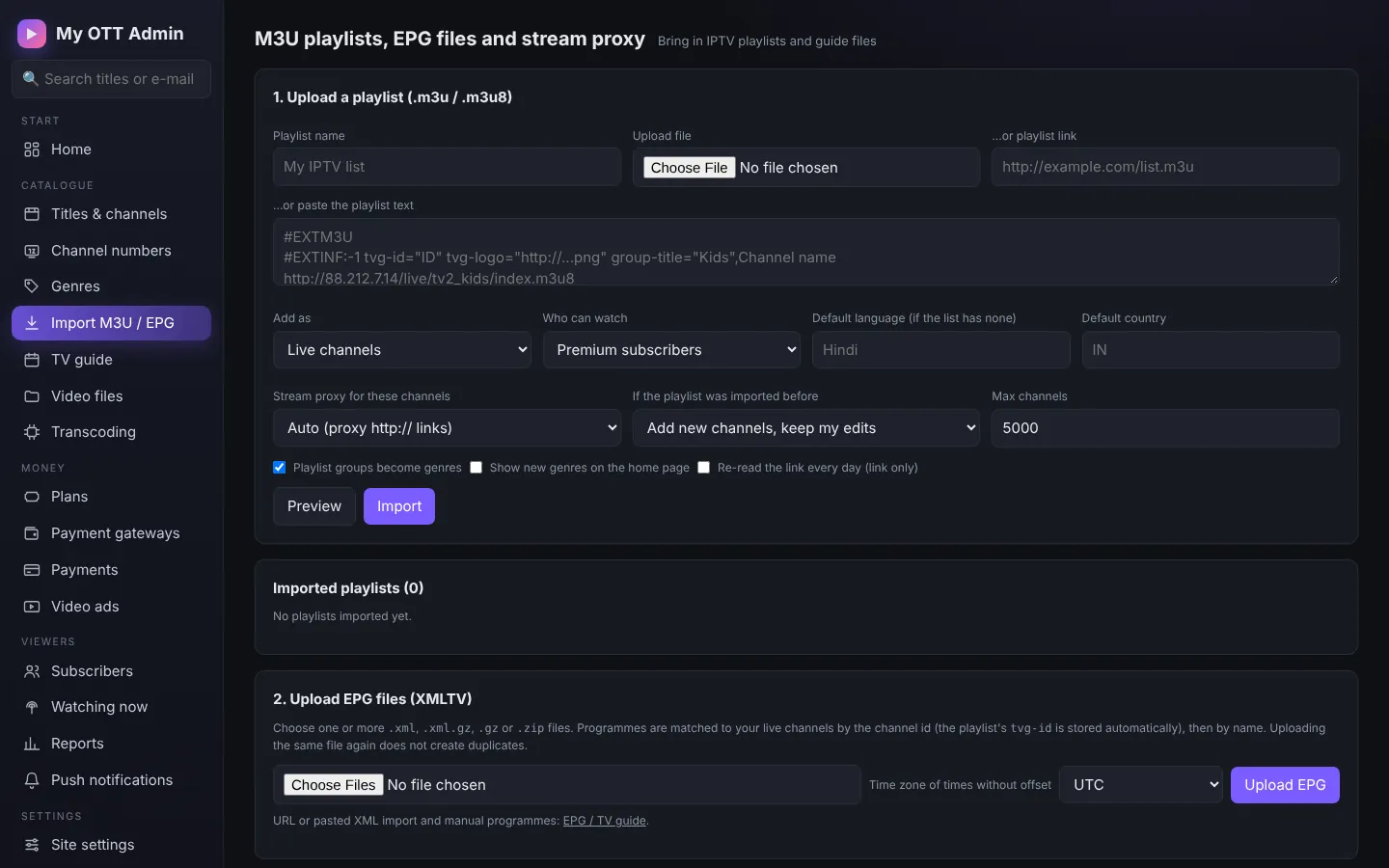
Bring in an IPTV playlist (only streams you have rights to) and XMLTV guide files.
TV guide
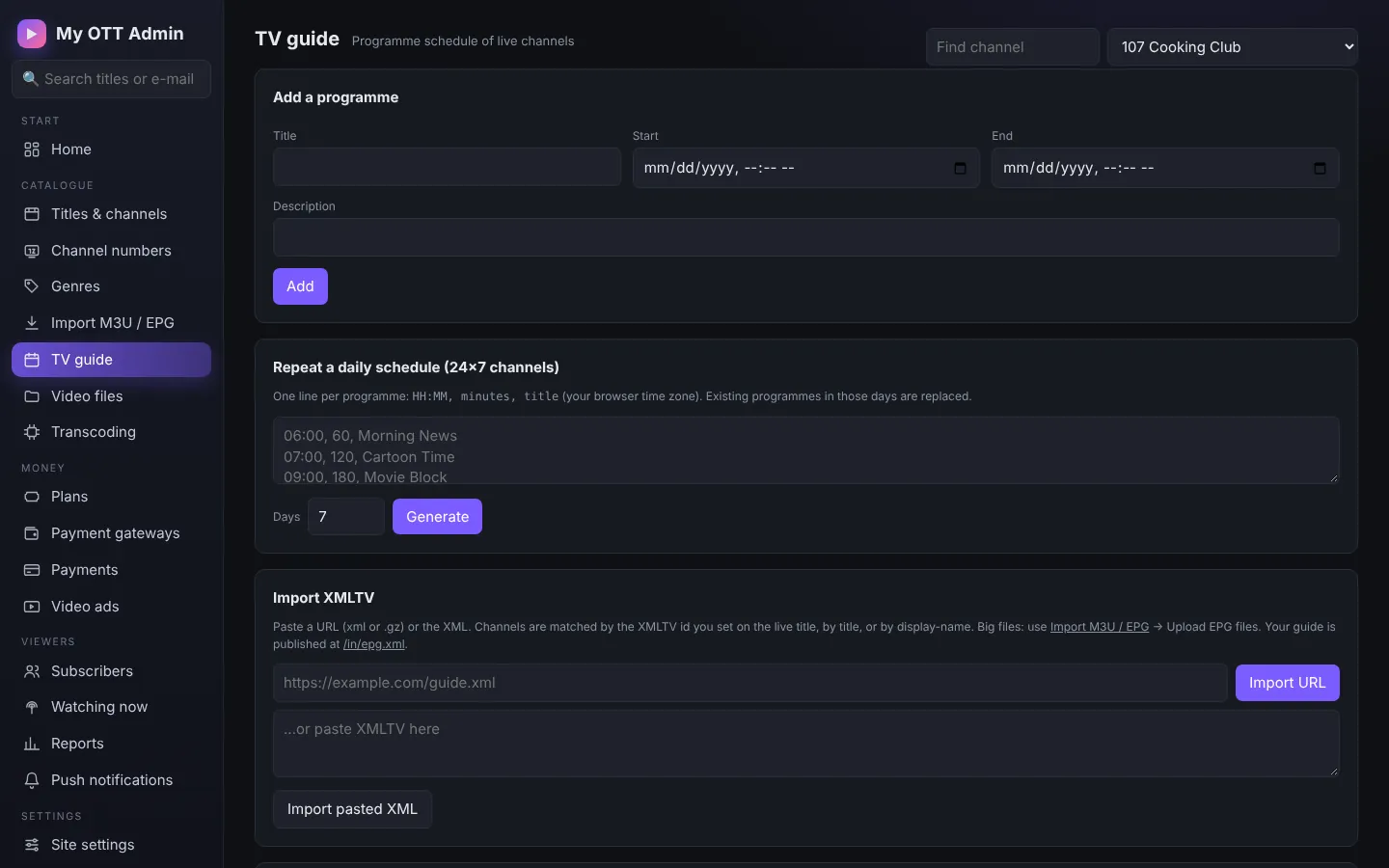
Add programmes by hand, repeat a daily schedule, or import XMLTV.
Video library and transcoding
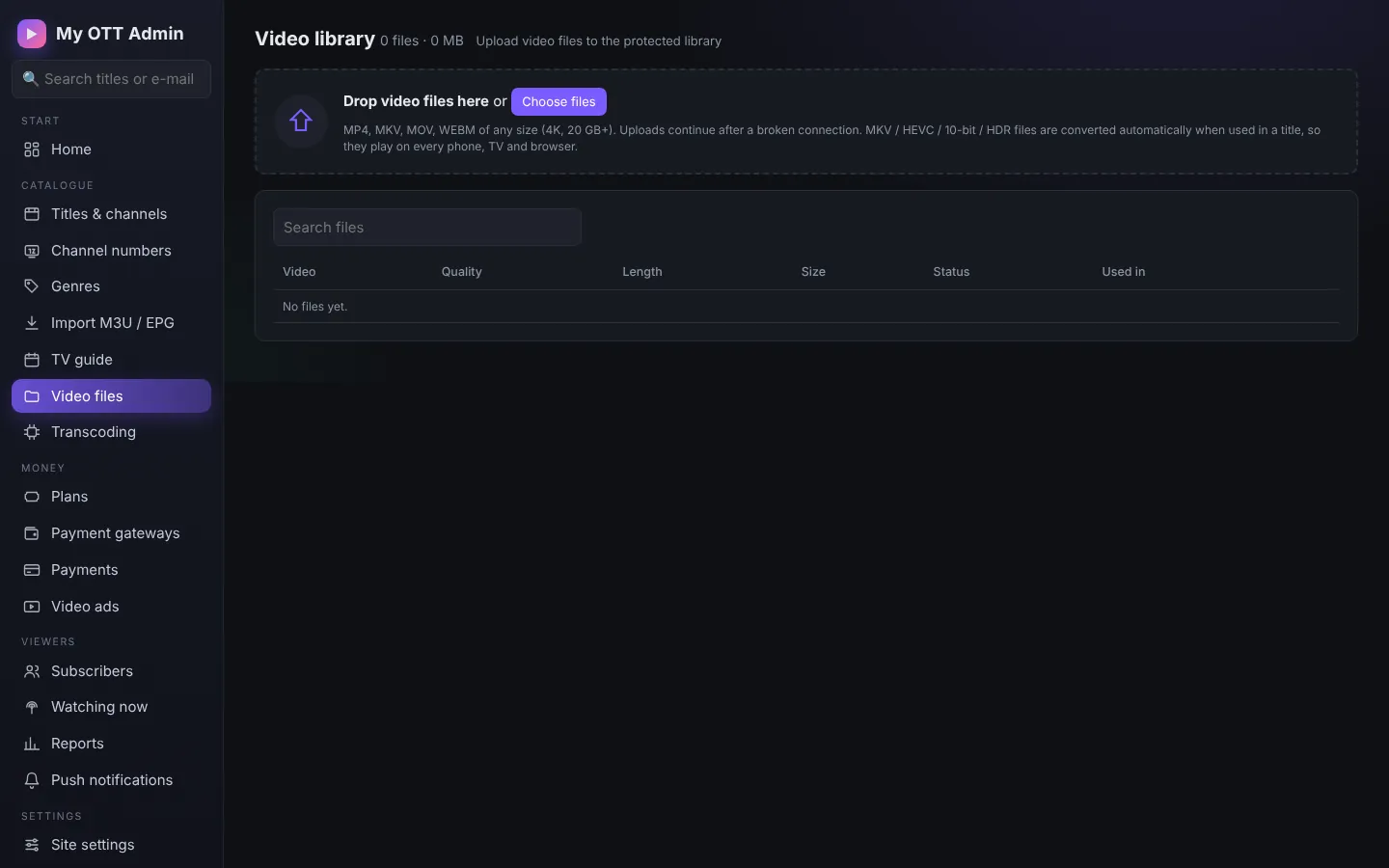
Upload videos to the protected library. Transcoding makes several qualities (1080p...240p) so viewers on slow internet do not buffer.