Gateway: UDP and RTMP conversion
Bridge broadcast UDP / multicast and RTMP
The Gateway turns UDP / multicast MPEG-TS (from satellite receivers, IRDs, encoders on a LAN) into RTMP, and back. Switch it on with FEATURE_GATEWAY=on.
1. Gateway setup: network ports
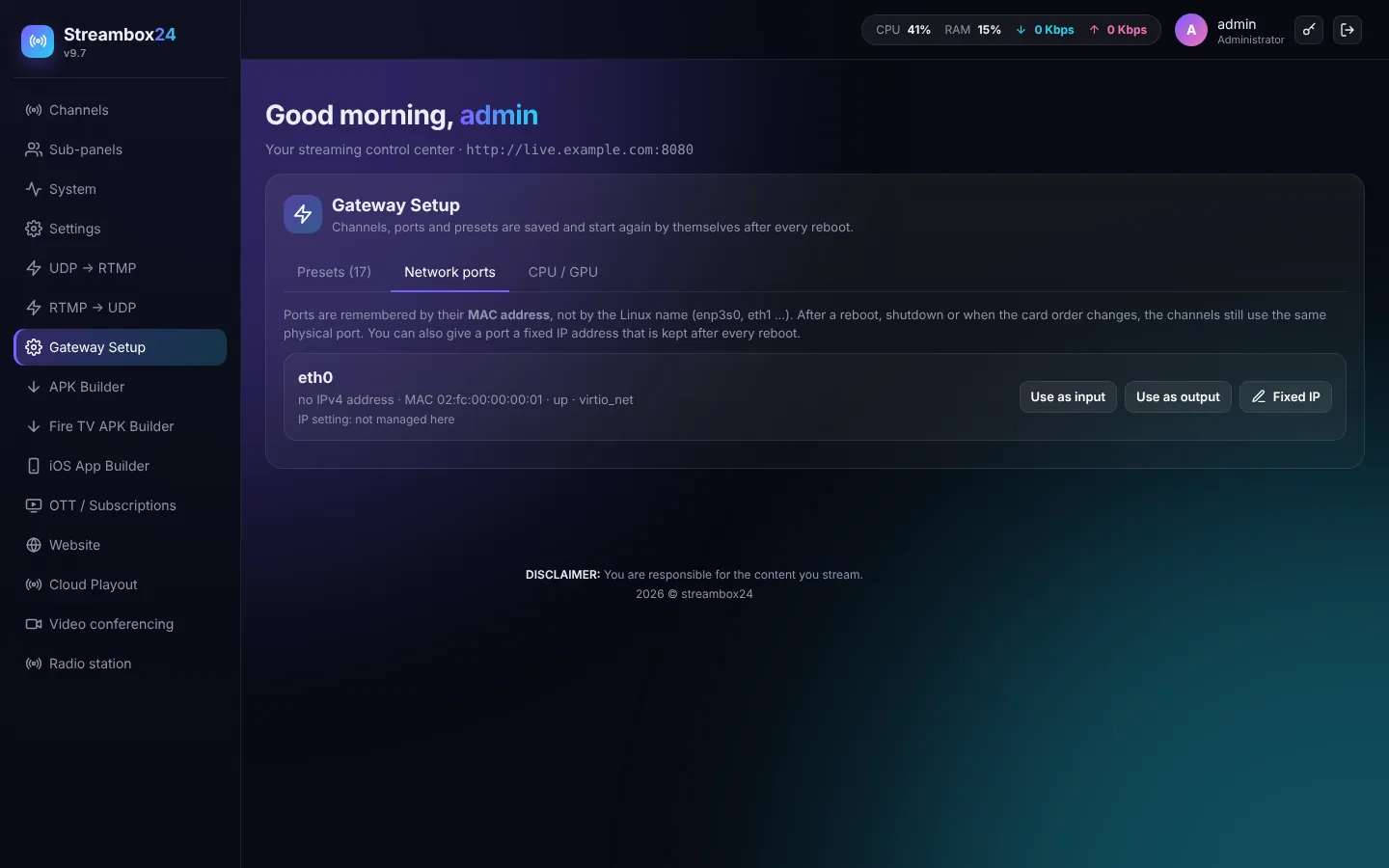
Ports are remembered by their MAC address, so channels keep using the same physical port after a reboot. Press Use as input / Use as output on the card you want.
2. UDP → RTMP
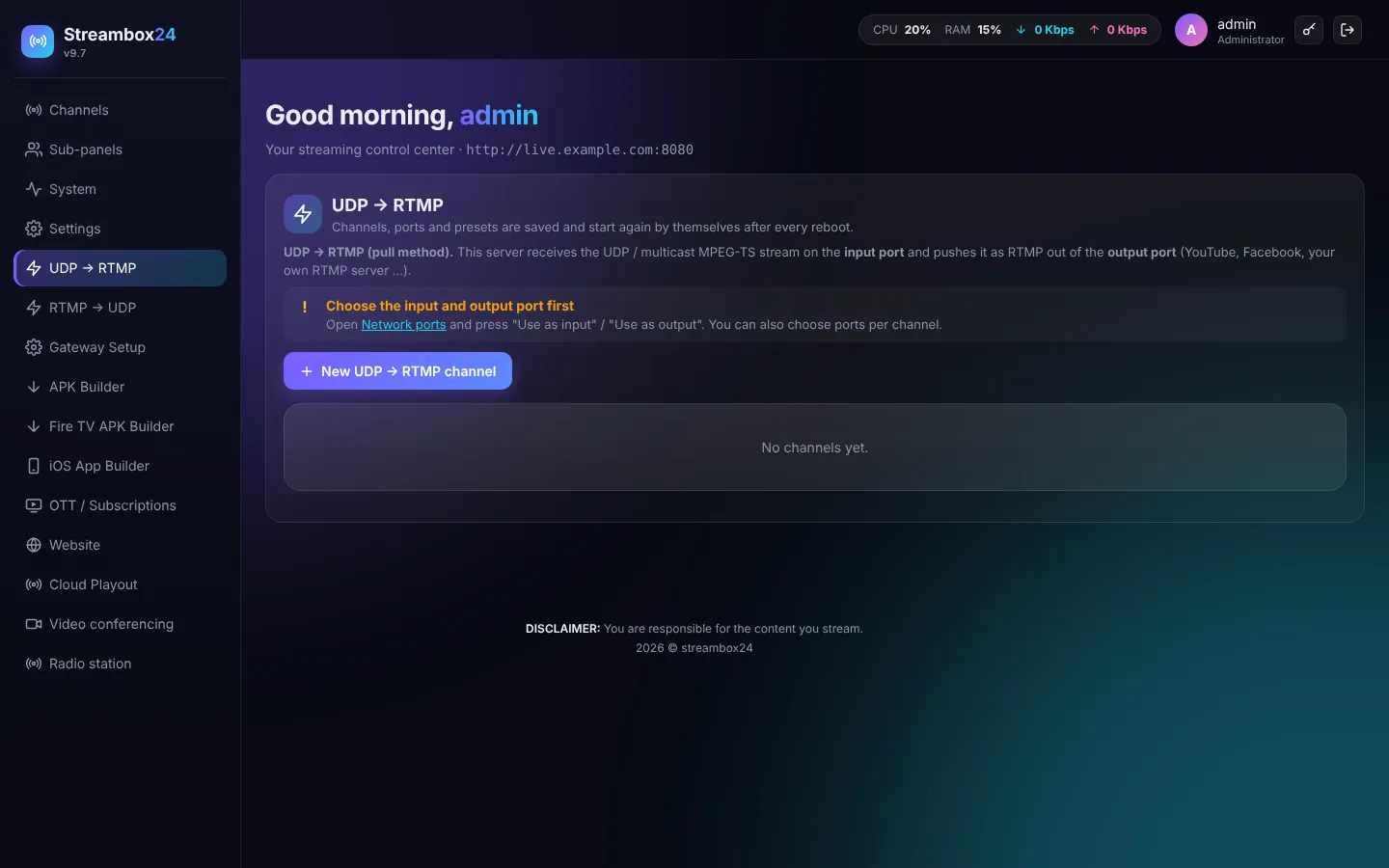
The server receives the UDP / multicast stream on the input port and pushes it as RTMP (YouTube, Facebook, your own server, or a Streambox24 channel). Press New UDP → RTMP channel, enter the UDP address and the RTMP destination.
3. RTMP → UDP
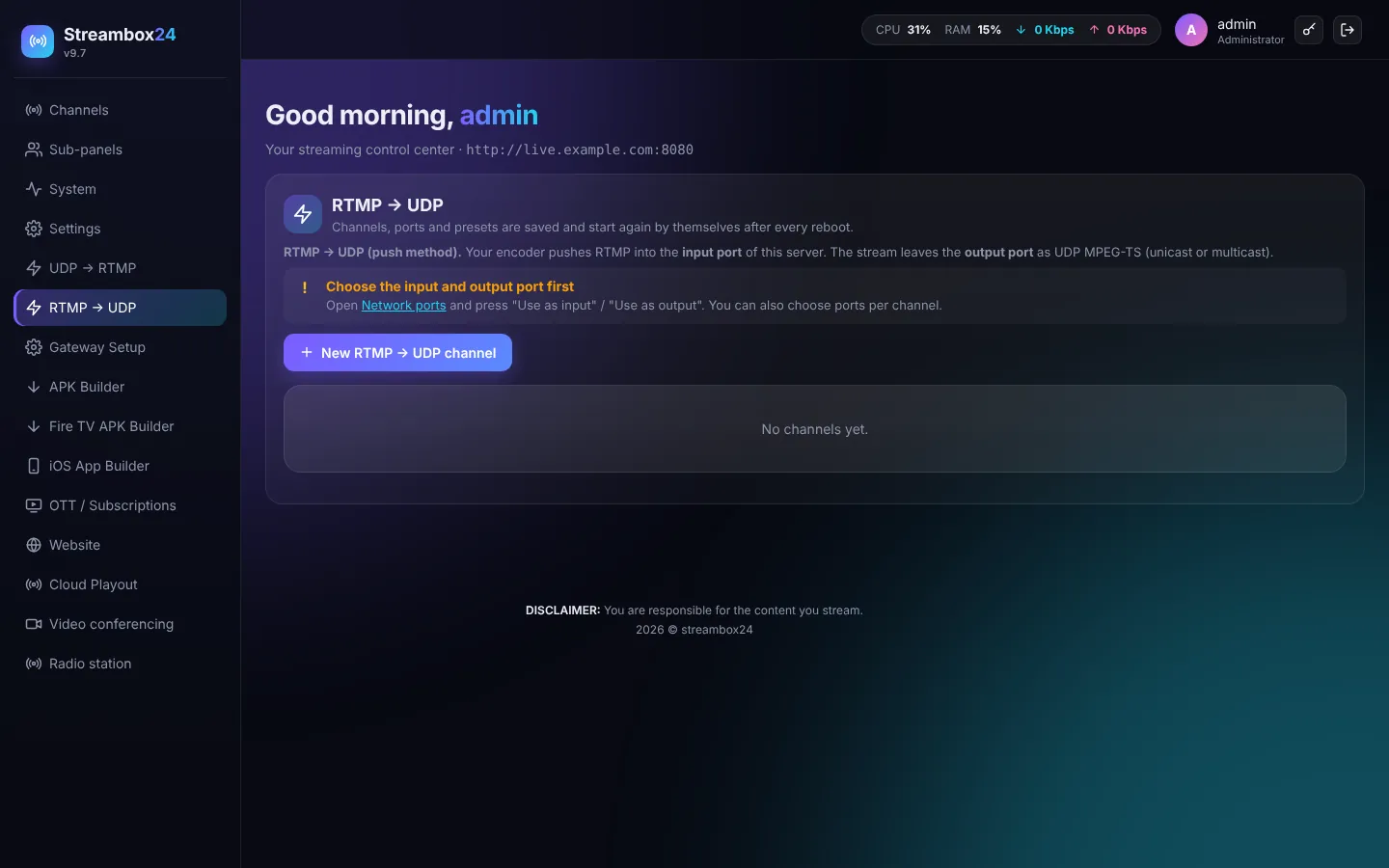
Your encoder pushes RTMP into the server; it leaves the output port as UDP MPEG-TS (unicast or multicast) for headends and IPTV systems.
Channels, ports and presets start again by themselves after every reboot. The firewall opens the gateway ports automatically.