Home › OTT platform
Site settings and language
Name, colours, start screen, next episode and the site language
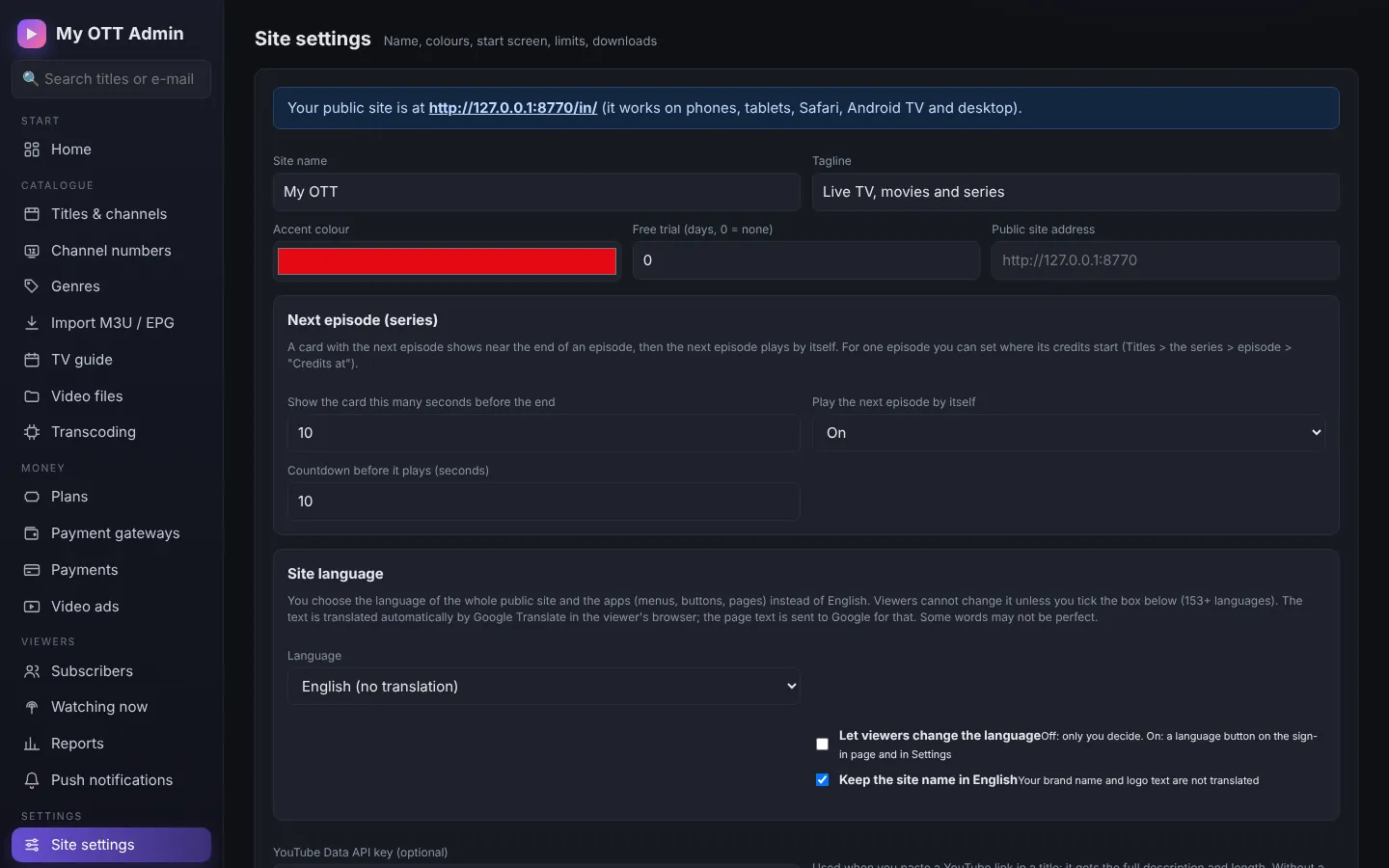
- Site name, tagline, accent colour, free trial days, public site address.
- Next episode: show the "next episode" card N seconds before the end and play it by itself after a countdown.
- Start-up screen: an image or video when the site / app opens.
- Limits: screens, devices and downloads.
Site language
Show the whole site and the apps in another language instead of English (153 languages):
- My language: one language for all viewers - choose the language; viewers cannot change it unless you tick "Let viewers change the language".
- Automatic: each viewer's country or phone / browser language.
- For each server you install, you can preset it in update.sh:
OTT_LANGUAGE="ta".
The text is translated automatically by Google Translate in the viewer's browser.