Home › Channels
Browser source
Stream a web page (with sound) into a channel
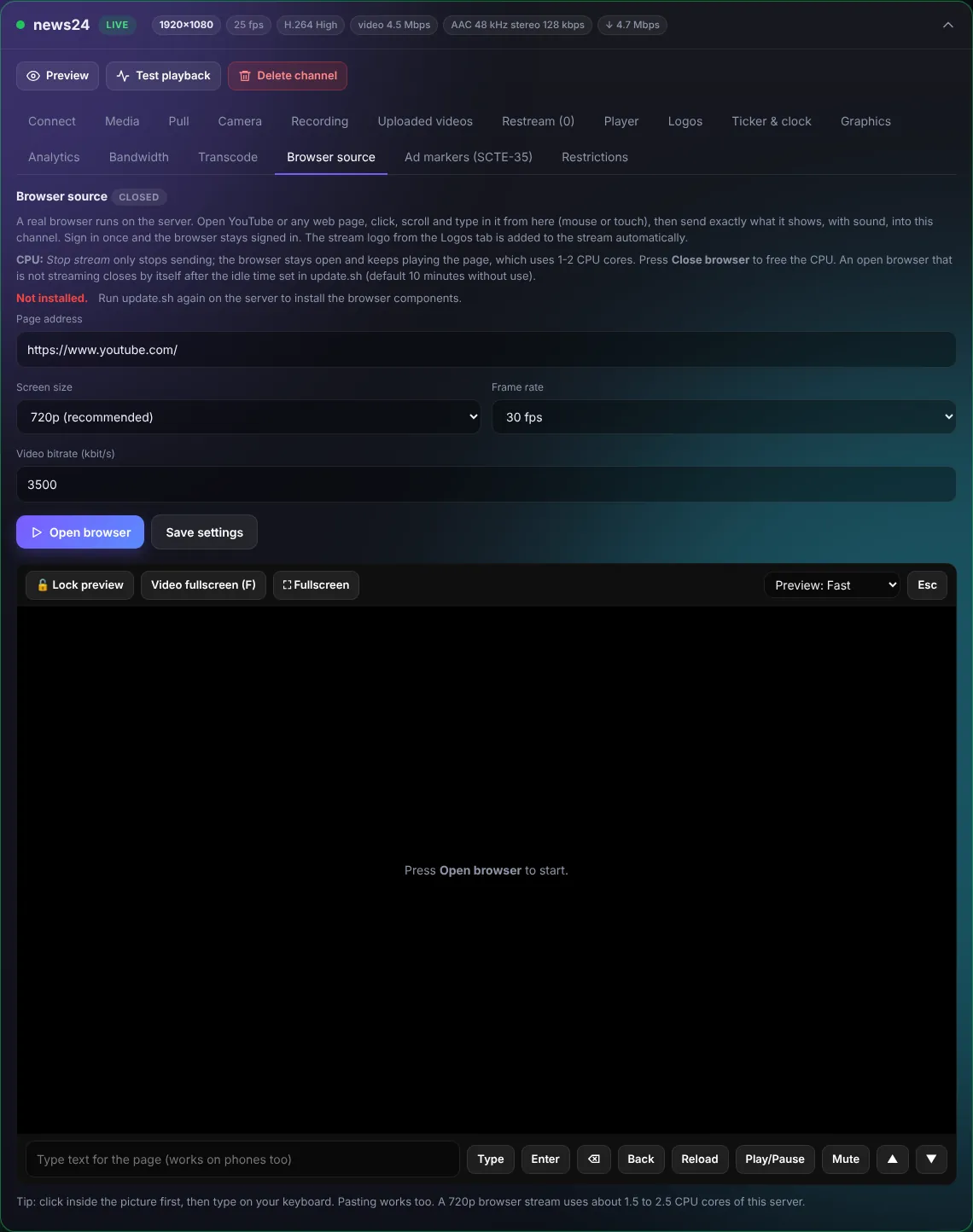
A real browser runs on the server. Open any web page, click, scroll and type in it from here, then press Start stream to send exactly what it shows, with sound, into the channel.
Use it for web dashboards, scoreboards, slideshows, maps or a web player you have the rights to.
- Choose resolution and frame rate.
- Stop stream stops sending; Close browser frees the CPU.
- A 720p browser stream uses about 1.5-2.5 CPU cores.