Home › Clients & server
Settings: address, white label, domain & SSL
The admin settings page, card by card
Panel address
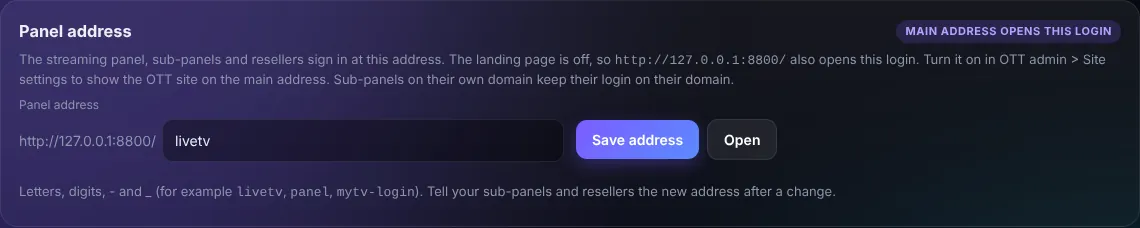
Move the panel to a private path (for example /mytv-login) so the login is not at a guessable address. Tell your clients the new address.
White label
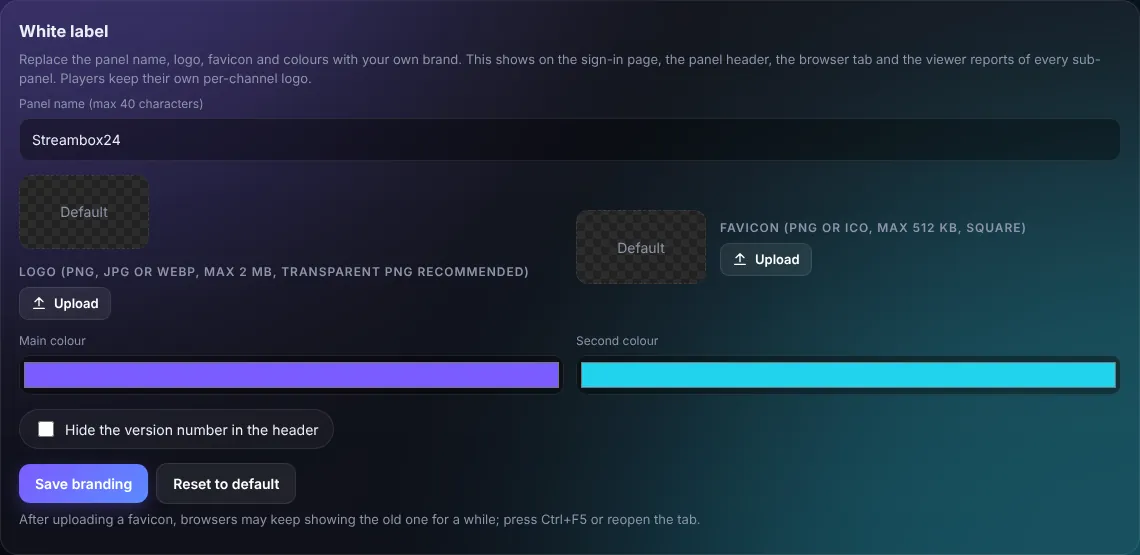
Replaces the Streambox24 name, logo and colours everywhere: login page, header, browser tab and viewer reports.
Domain & free SSL
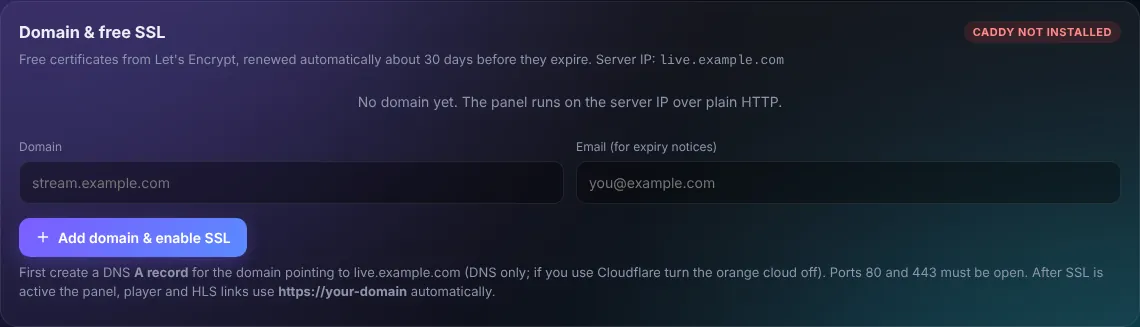
- At your DNS provider create an A record for the domain pointing to the server IP (DNS only; Cloudflare orange cloud OFF).
- Ports 80 and 443 must be open (update.sh does this).
- Enter the domain and an email and press Add domain & enable SSL.
The certificate renews by itself. After that the panel, players and HLS links use https.
Picture quality, HLS, time, pull network

- Picture quality: x264 speed / quality for logos, graphics, transcodes and playout. Better quality = more CPU.
- HLS settings: segment length and playlist size (shorter = lower delay, longer = fewer stalls).
- Server time: the time zone used by schedules and reports.
- Pull network: HTTP proxy and User-Agent for pull sources.
Server
- Reboot server: live encoders, pulls, recordings and restreams reconnect by themselves when it is back (about a minute).
- Restore channels from a backup.
- Factory reset (channels only) removes every channel from the panel. Use with care.