Home › Clients & server
Sub-panels: accounts for your clients
Sell channels with separate logins and limits
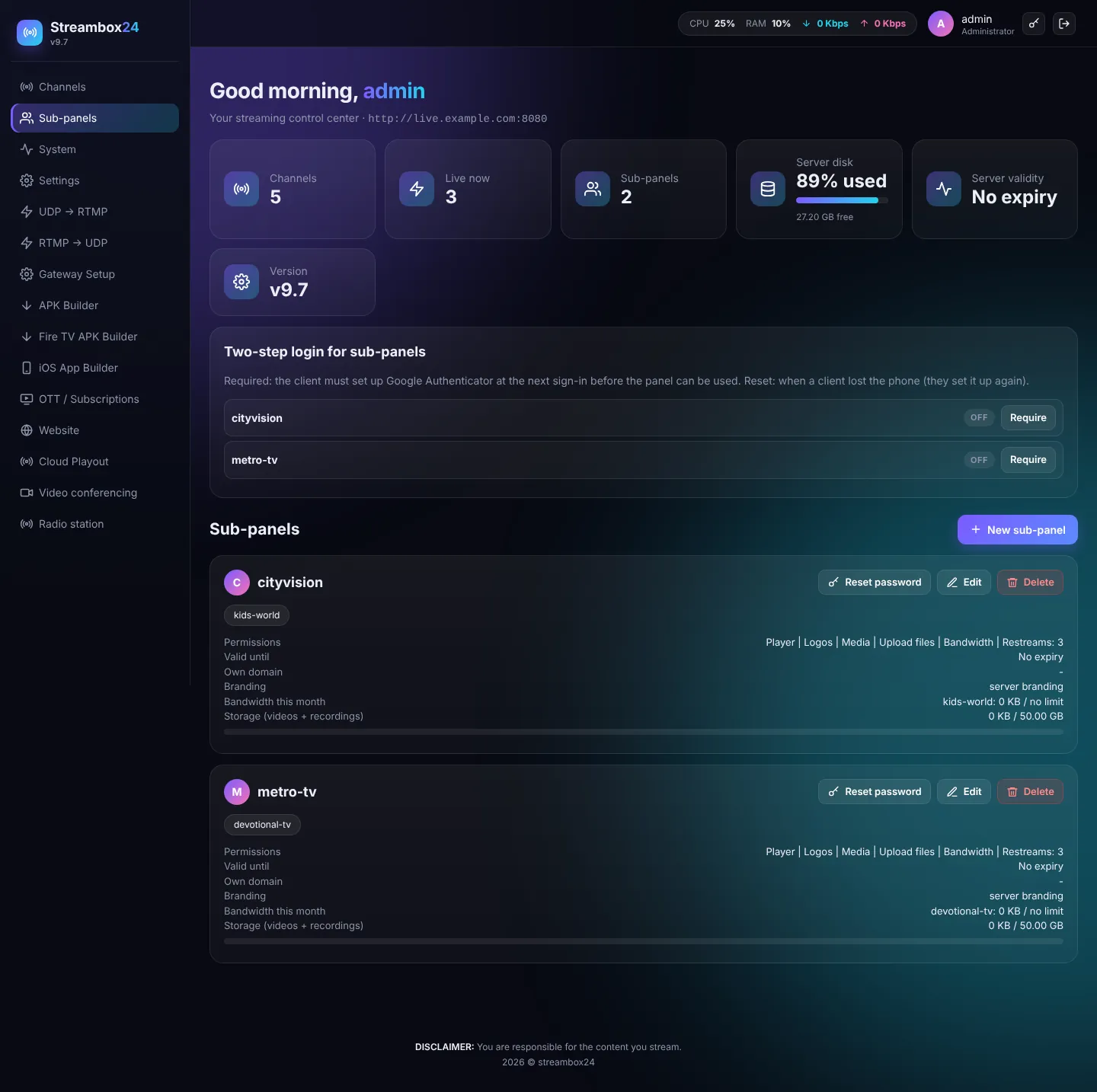
A sub-panel is a login for one of your clients. They see only their own channels and only the features you allow.
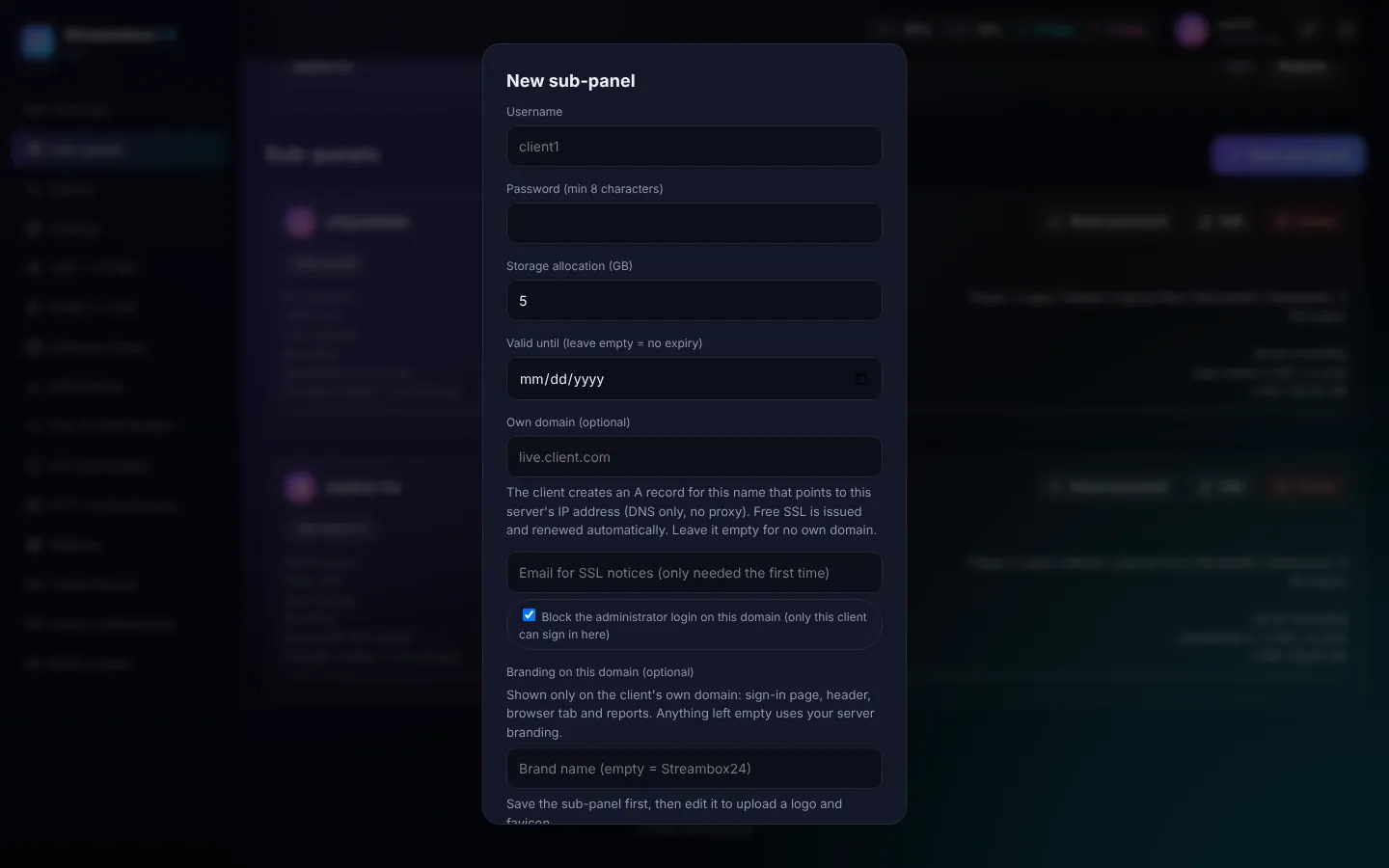
Create a sub-panel
- Sub-panels > New sub-panel.
- Username and password.
- Channels (existing ones, or how many they may create).
- Permissions: Player, Logos, Media, Upload, Recording, Restreams (how many), Bandwidth, Transcode, Camera and more.
- Storage quota (GB), bandwidth, and valid until date.
Manage
- Reset password, Edit, Delete (their channels and files are kept).
- Two-step login for sub-panels: require Google Authenticator for a client, or reset it when they lose their phone.
- Branding: give a client their own panel name, colours, logo and domain (white label per client).